


Universal TV Remote Control
Universal TV Remote Control
Couldn't load pickup availability
Universal TV Remote Control.
Universal replacement TV remote control with Netflix and YouTube buttons.
This is a replacement LCD/LED TV Universal Remote Control Compatible with AKIRA, Changhong, Daewoo, Haier, Hisense, Hitachi, JVC, Konka, LG, Panasonic, Philips, Prima, Samsung, SHARP, Skyworth, SONY, TCL, Thomson, Toshiba and more.
Features:
* Automatic search code, suitable for TV with 3D function.
* Have memory function when cutting off the power supply.
* The lightweight and ergonomic design makes this remote control easy to grip and uneasy to slip.
* Farther transmitting distance up to 8m, perfectly replace your damaged or old one and covers all the functions of the original remote.
Specifications:
Material: ABS.
Colour: White.
Brand: HUAYU.
Condition: New.
Voltage: DC 3V.
Packaging: Bulk.
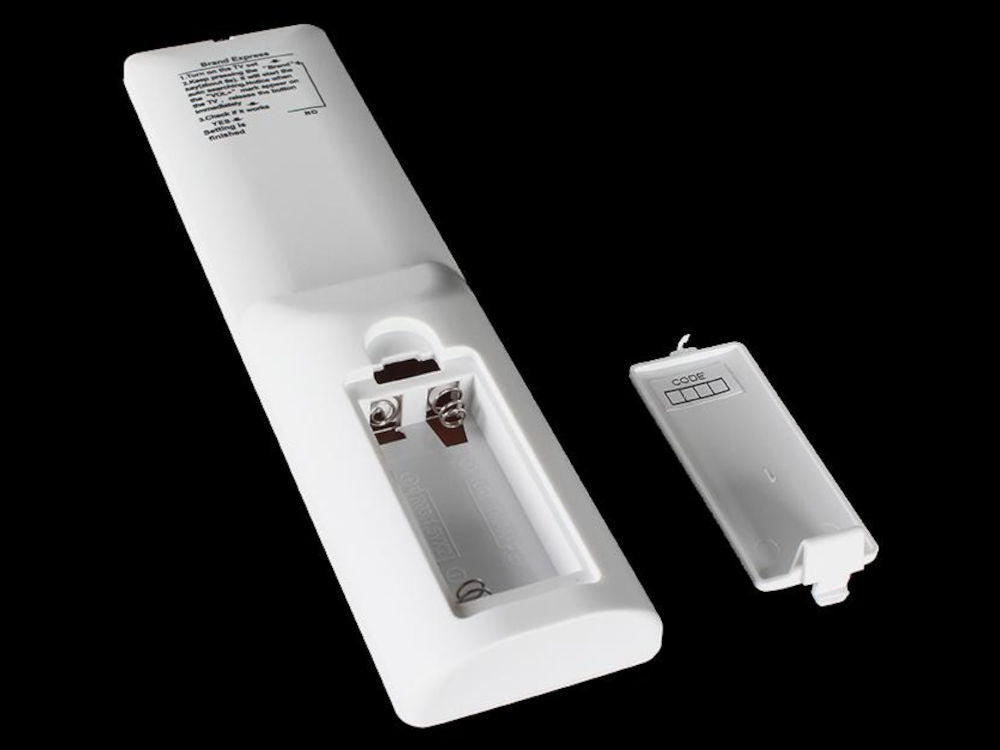
Battery type: 2x AAA.
Transmitting range 8 meters.
Model: RM-L1130+X Plus (Newest Generation).
Compatible models:
AKIRA, Changhong, Daewoo, Haier, Hisense, Hitachi, JVC, Konka, LG, Panasonic, Philips, Prima, Samsung, SHARP, Skyworth, SONY, TCL, Thomson, Toshiba and more.
Suitable for TV with 3D function.
Package includes:
1x Universal TV Remote.
1x English Instruction Manual.
*Batteries not included.
How to Operate:
Turn on your TV set, let your TV set be in the normal state play. Aim the remote control in at the TV. Find the corresponding brand of your TV on the remote control, e.g. SHARP = 1
Press and hold button "1" for 5 seconds. The indicator light will flash. When the volume symbol appears on your TV, release the button at once. Set up is complete.
People also search for: replacement remote NZ, universal remote for smart tv NZ, best universal remote control NZ, programmable remote control NZ, lost tv remote control NZ, universal remote control price NZ, tv remote control app NZ, how to program a universal remote NZ, universal remote control codes NZ, best universal remote for Samsung TV NZ.
Warranty & Returns:
14 Day 'change of mind' return in unused condition for a refund less shipping fees.
1 Year return to base refund or replace guarantee.
Installation Hints, Tips and Troubleshooting:
For VEON TV, Turn on TV first. Keep pressing "skyworth" (-/--) button till the volume indicator displays on the TV.
We welcome & answer all questions.


Product questions & answers
Understand how this product works and whether it suits your setup. Have a question? Our team reviews and emails answers 24/7—typically within 1–2 hours.