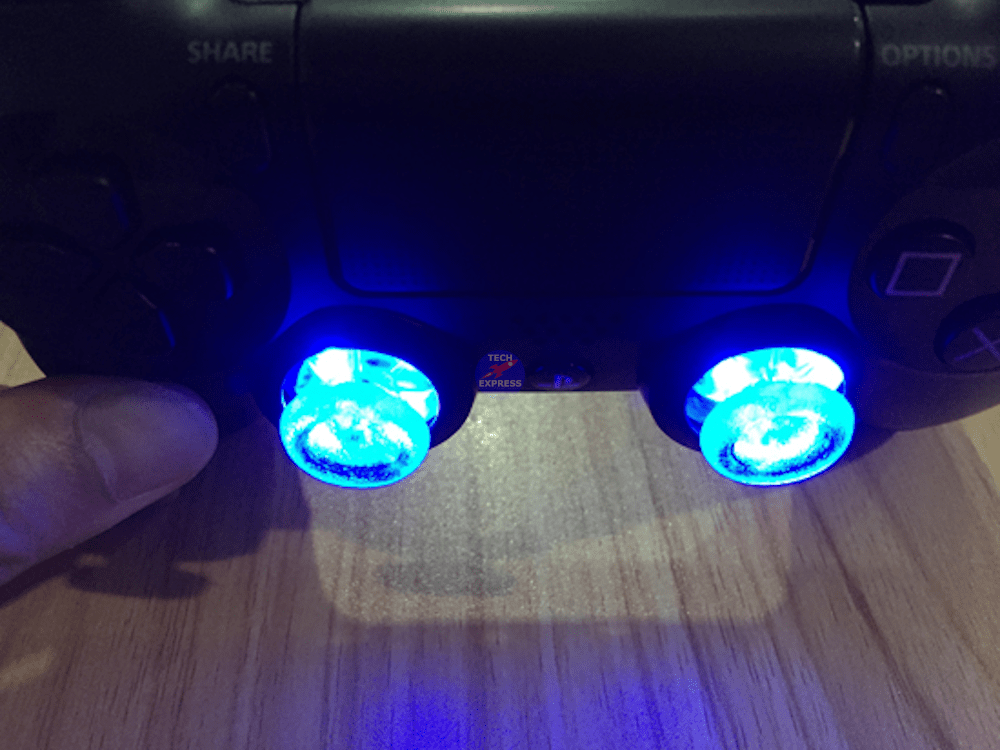
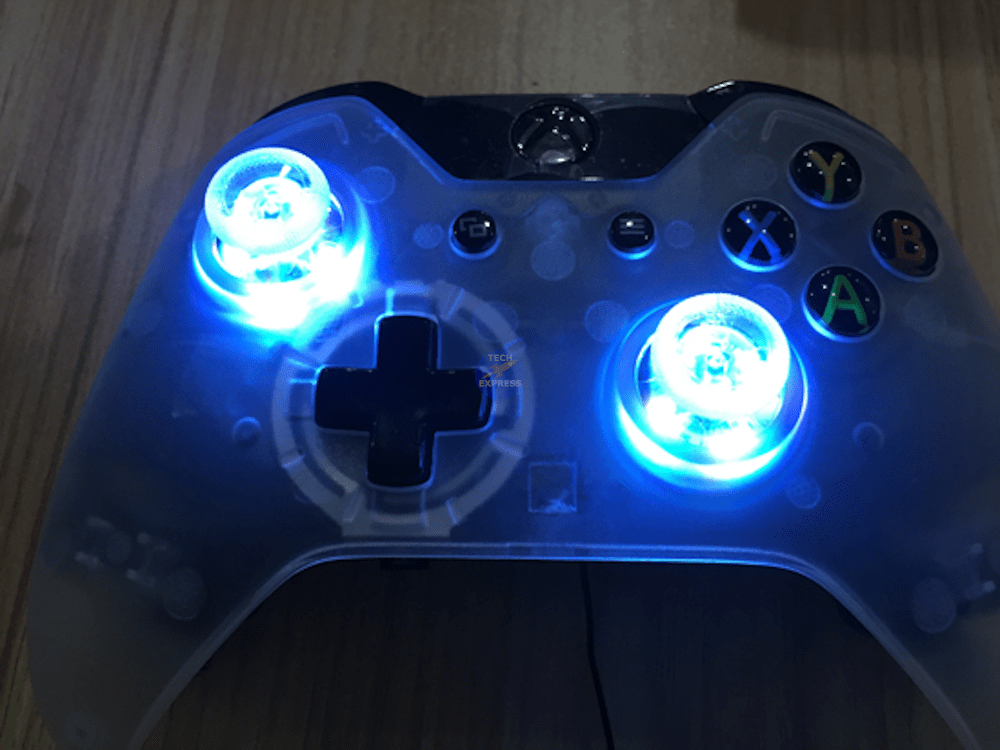
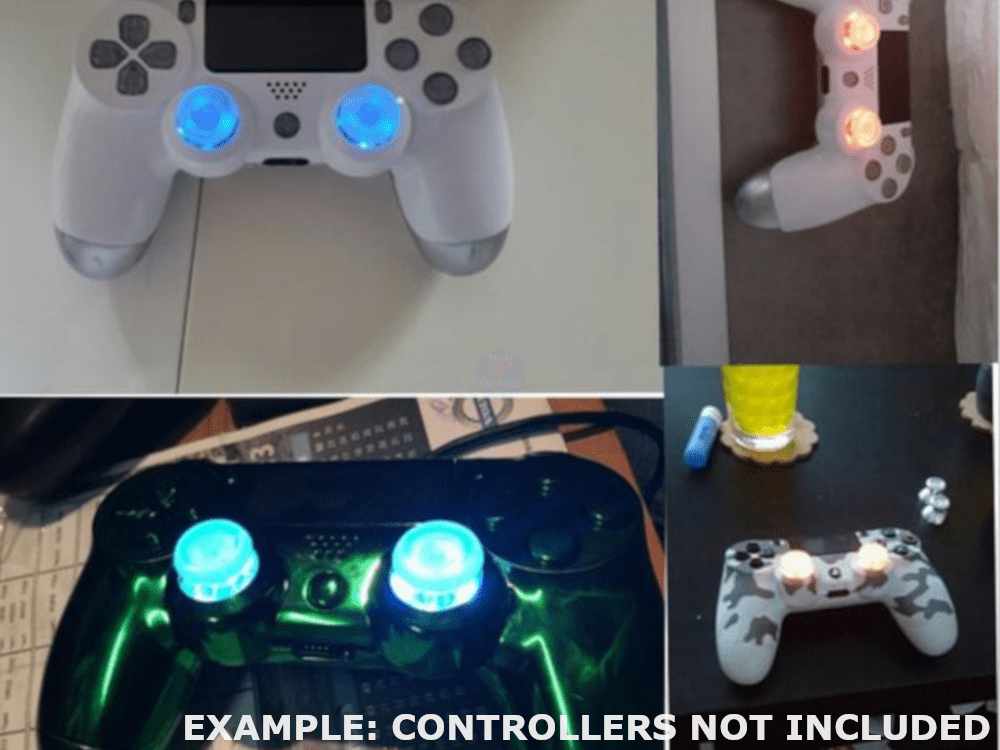
LED thumbstick DIY MOD Kit for Sony PlayStation 4 PS4 DualShock and Xbox One controllers.
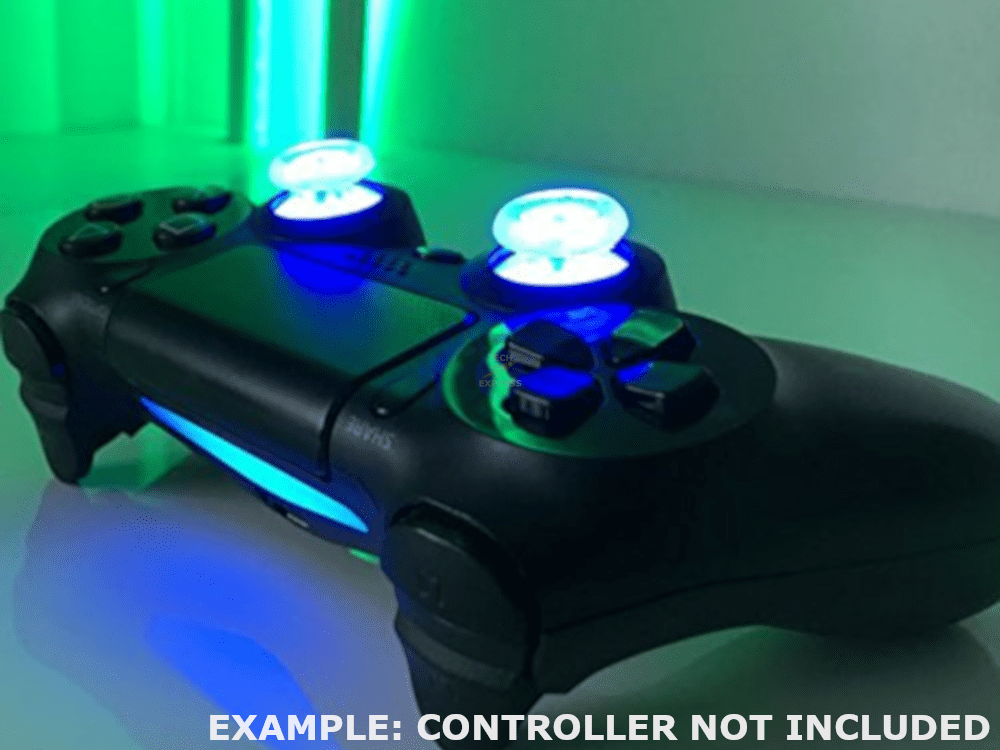
Customise your PS4 or Xbox One controller with this multicoloured LED thumbstick upgrade kit.
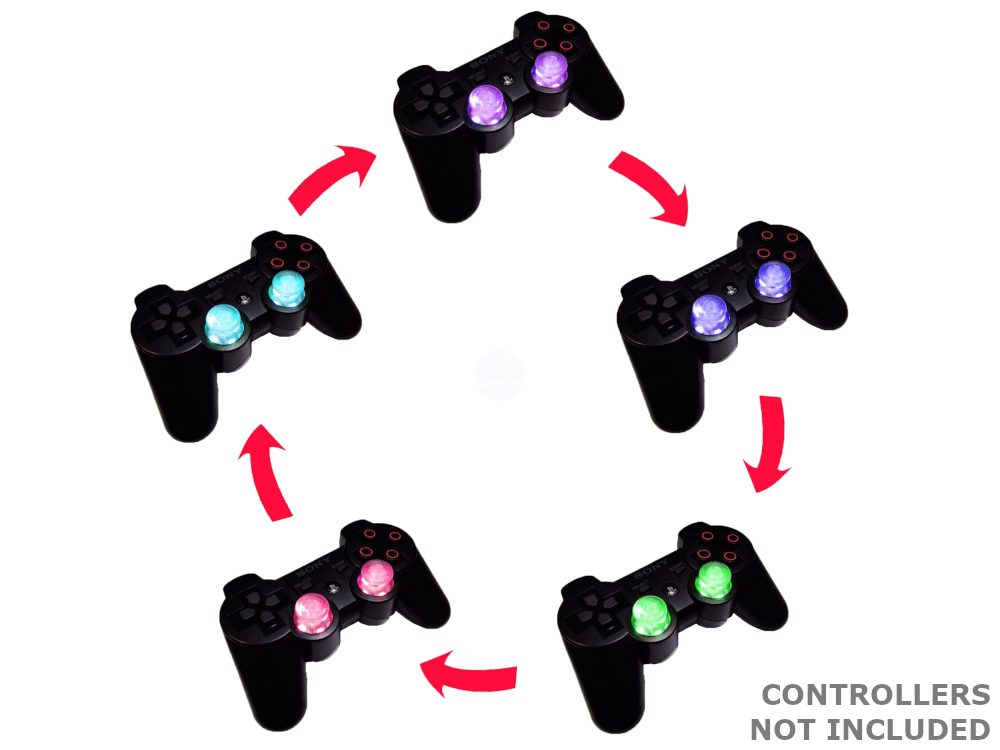
7 Colour. Shake to activate. Built-in motion sensor. Automatically powers off after approximately 2~3 minutes. Compatible with: Sony PS4 DualShock 4 and Microsoft Xbox One Controllers.
Package includes:
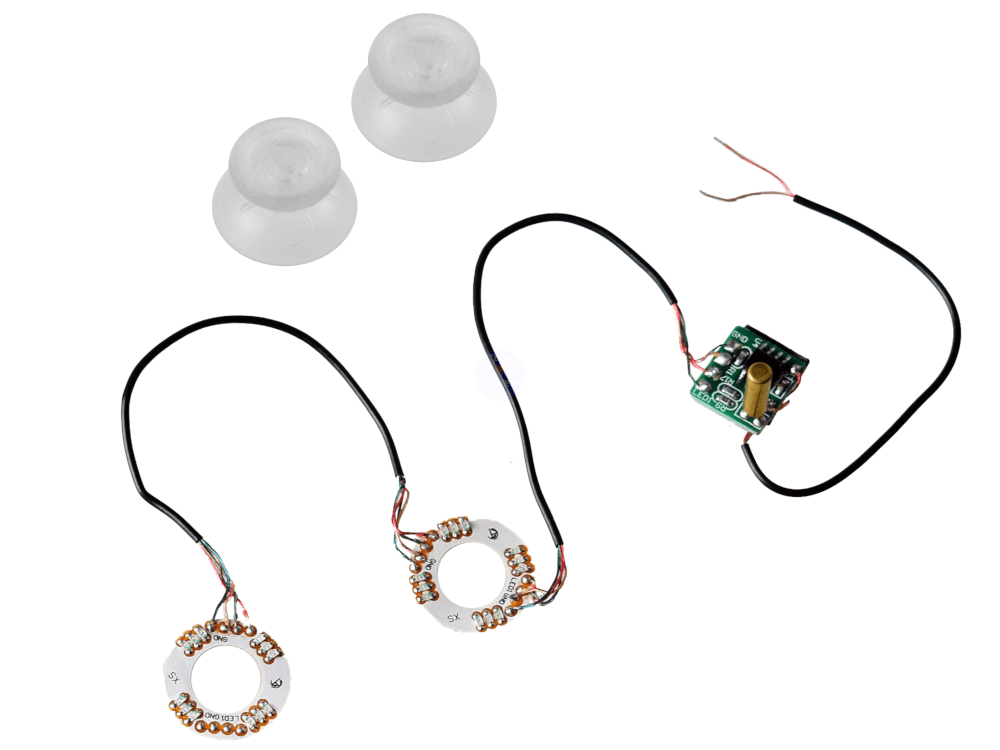
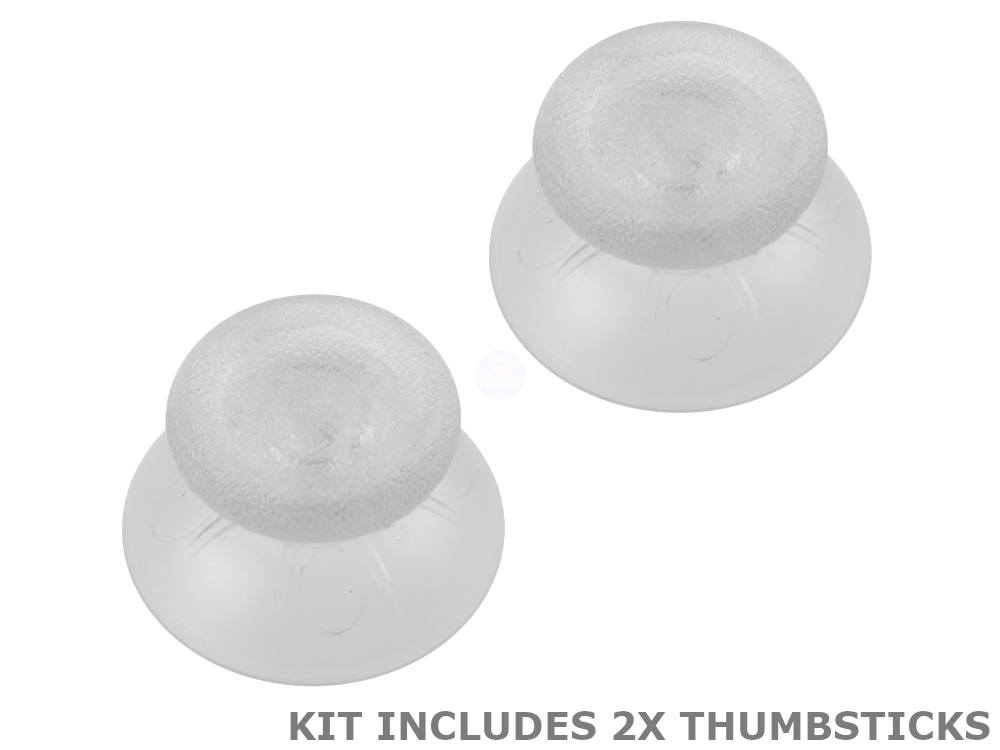
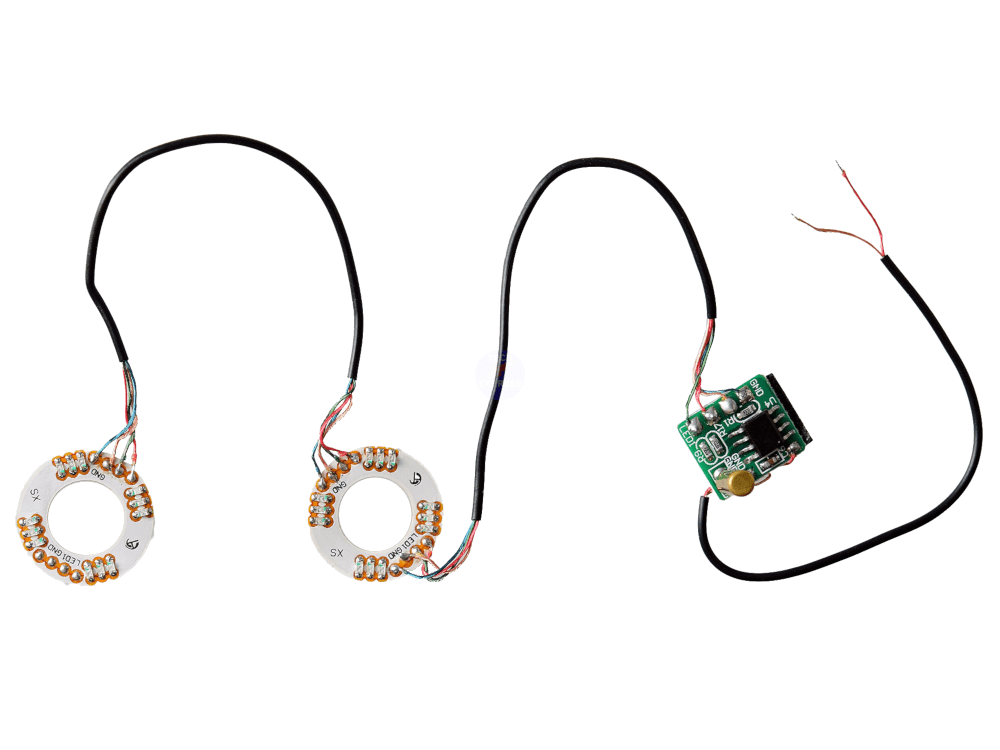
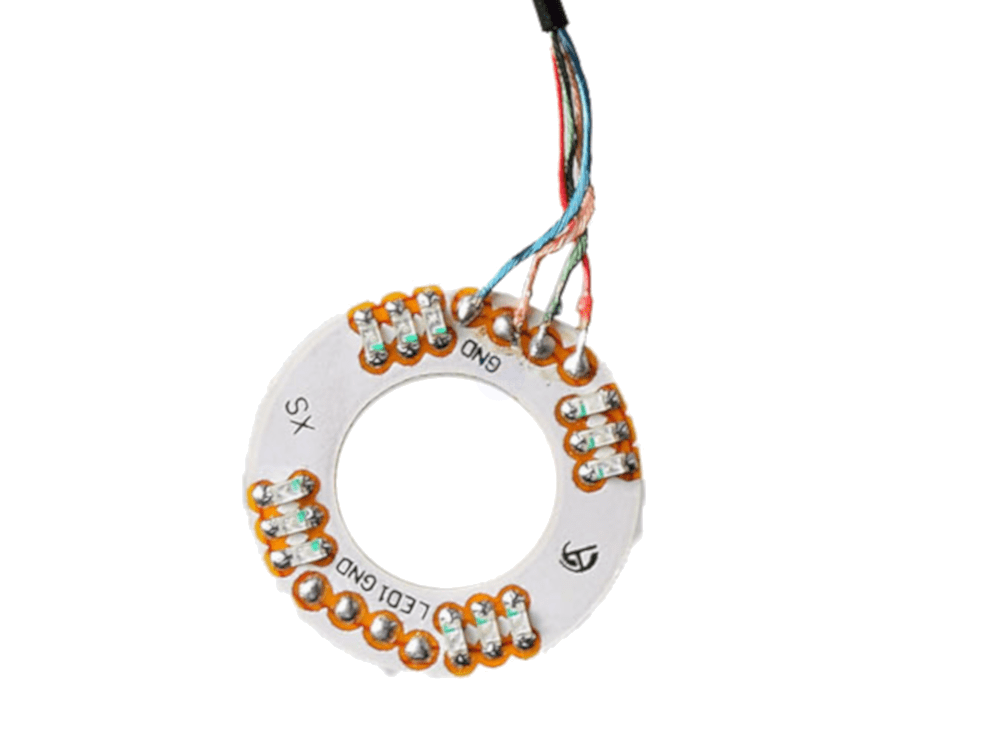
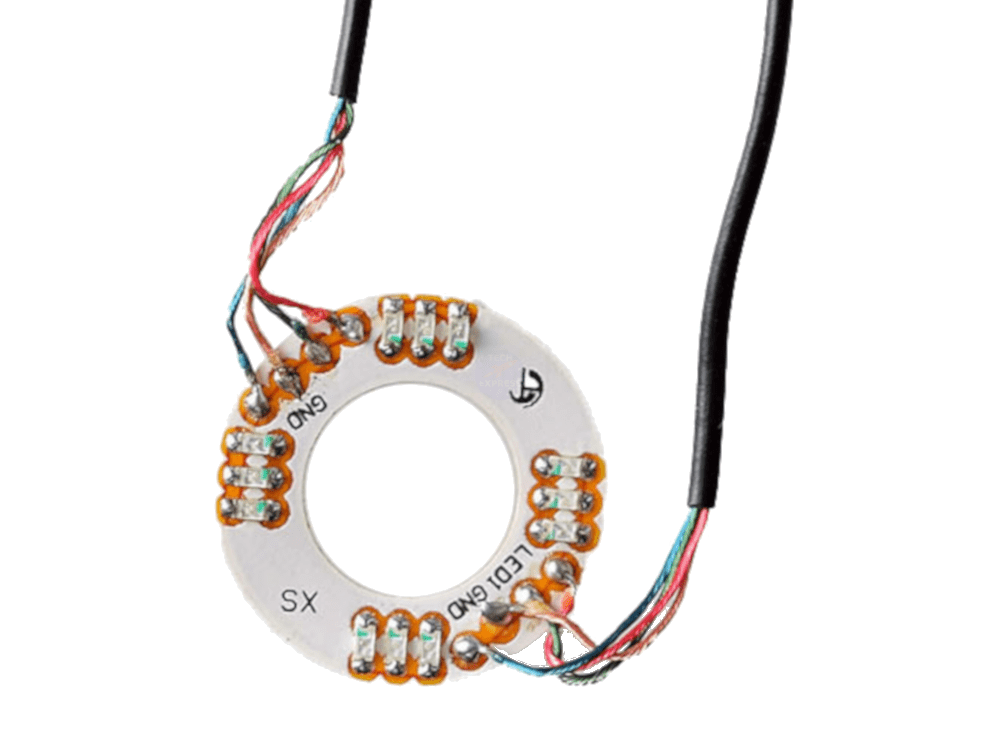
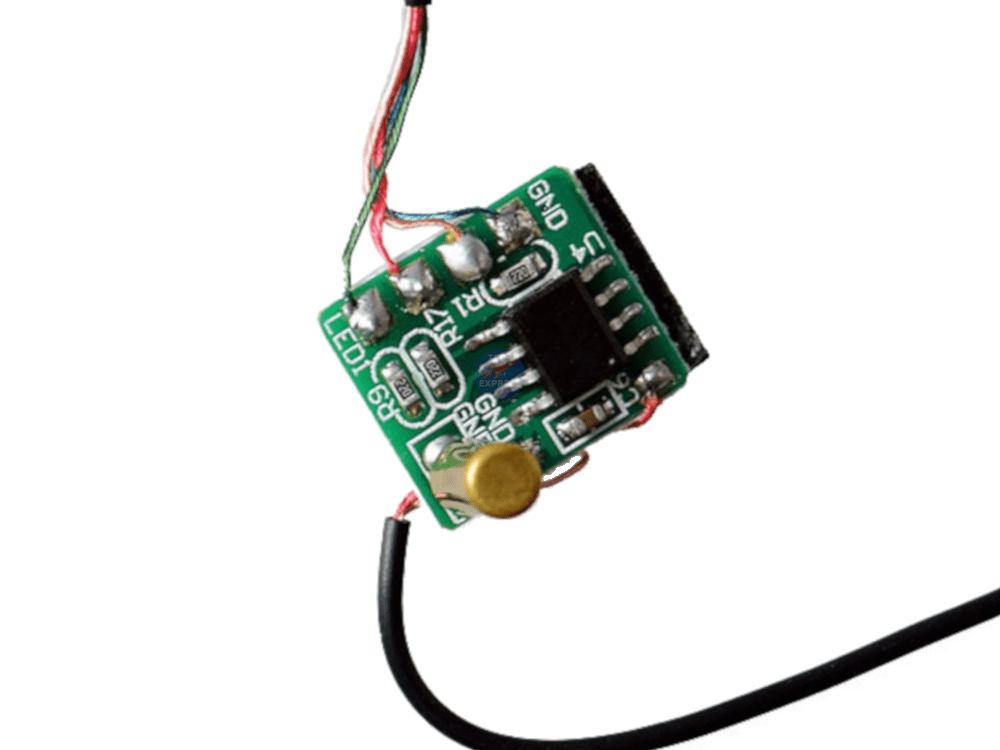
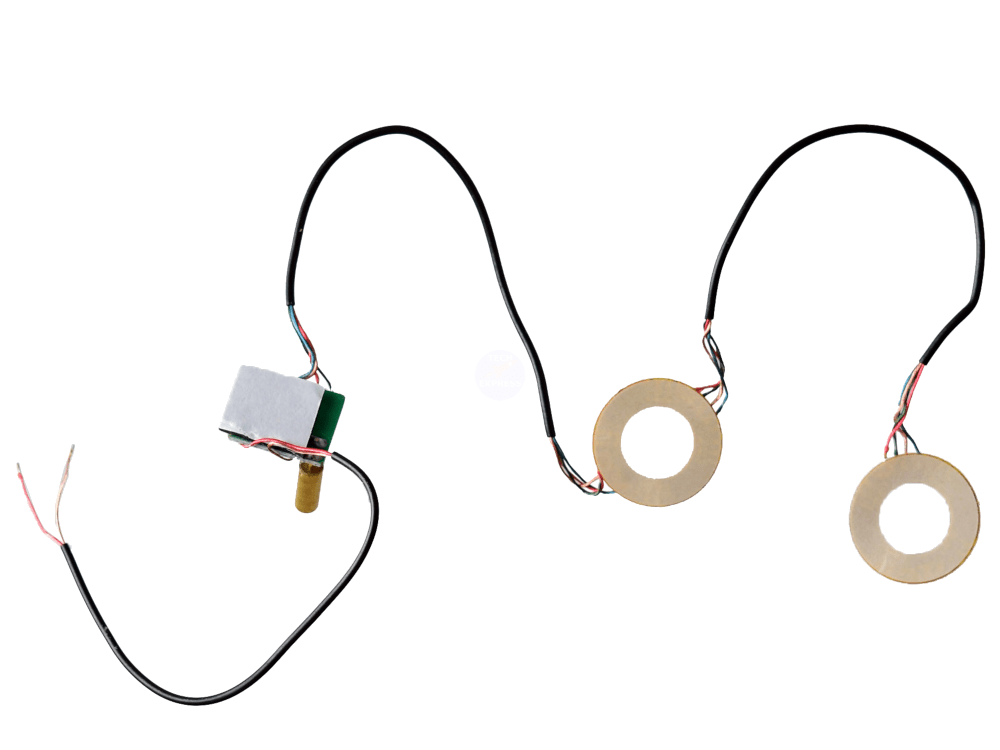
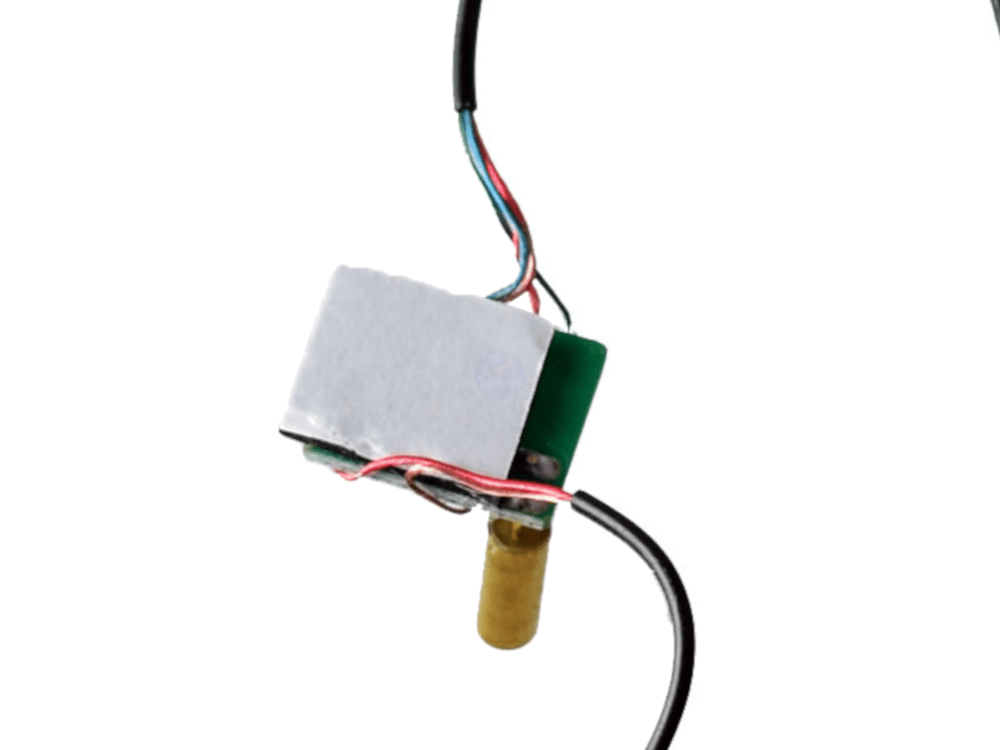
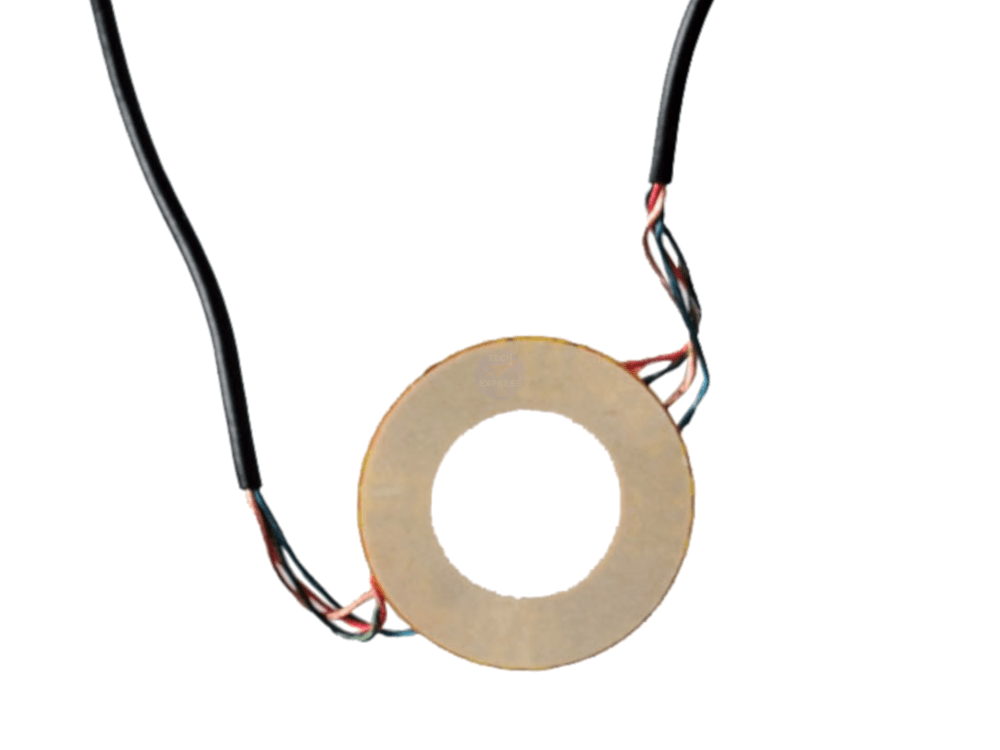
1x Motion sensor controller board with two LED PCBs and connection wire 2x Clear thumbsticks
This kit does not include a controller, installation or installation guide. See the installation guide and video. Soldering skills are required. Any modification carries risk and requires some skill. We accept no liability for direct or indirect damage or loss that may occur. If you are not sure, use a professional.
Combine & Save. See our listings for soldering irons, solder, tools, parts and accessories.
Packaging: Bulk.
Warranty & Returns: 14 Day 'change of mind' return in unused condition for a refund less shipping fees.
Hints, Tips and Installation Guide:
This kit does not include a controller, installation or installation guide. Soldering skills are required. Any modification carries risk and requires some skill. We accept no liability for direct or indirect damage or loss that may occur. If you are not sure, use a professional.
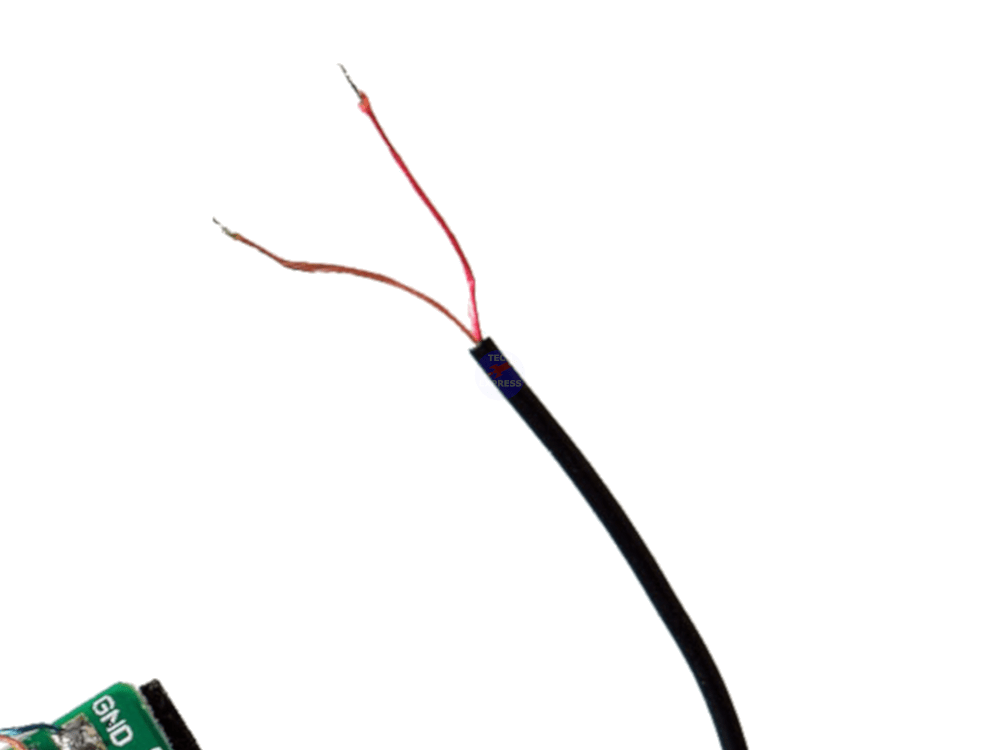
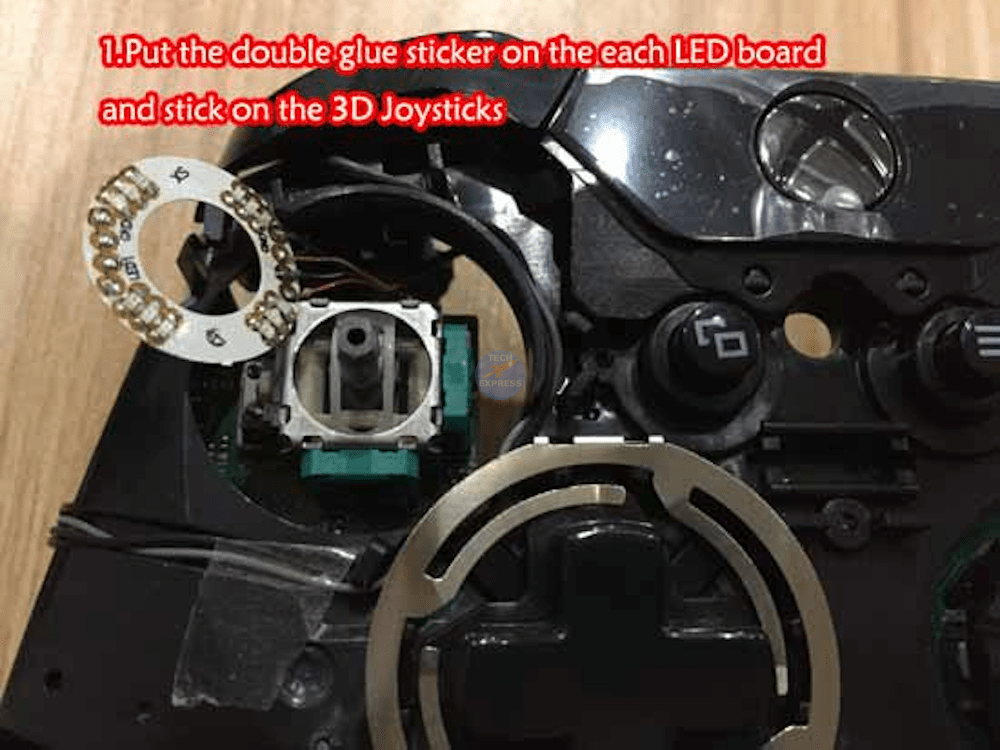
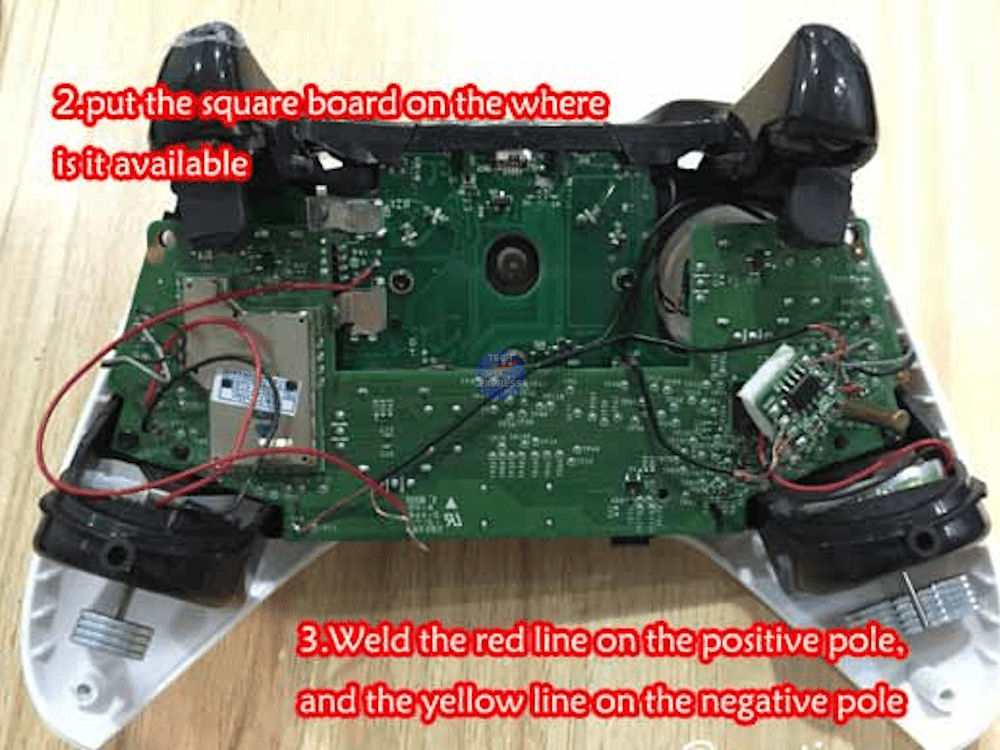
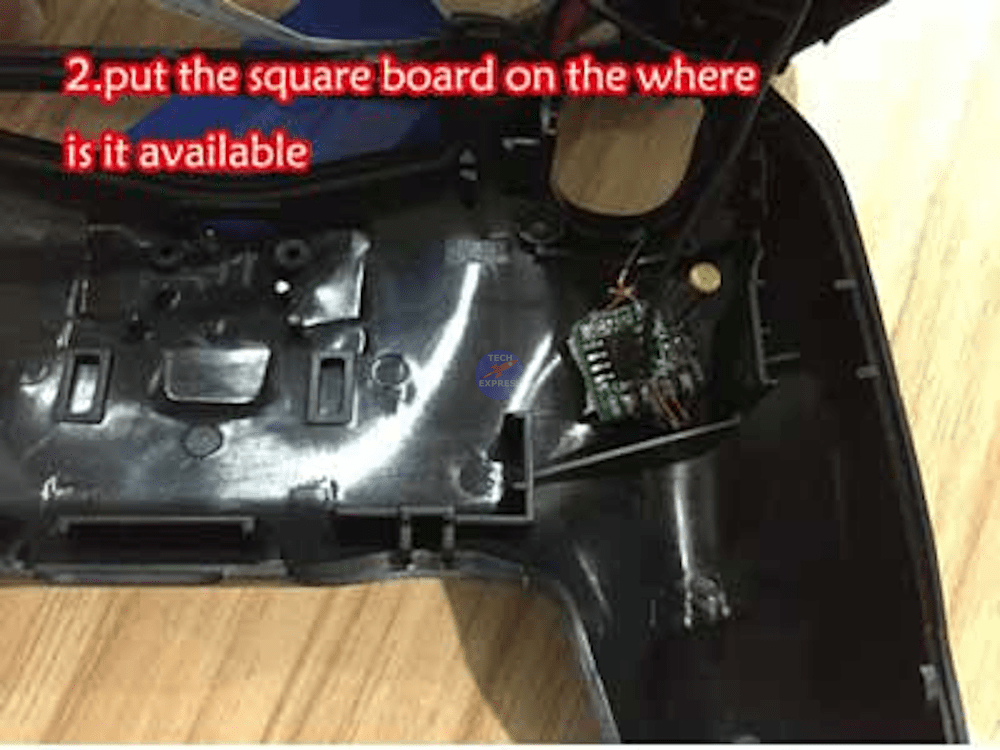
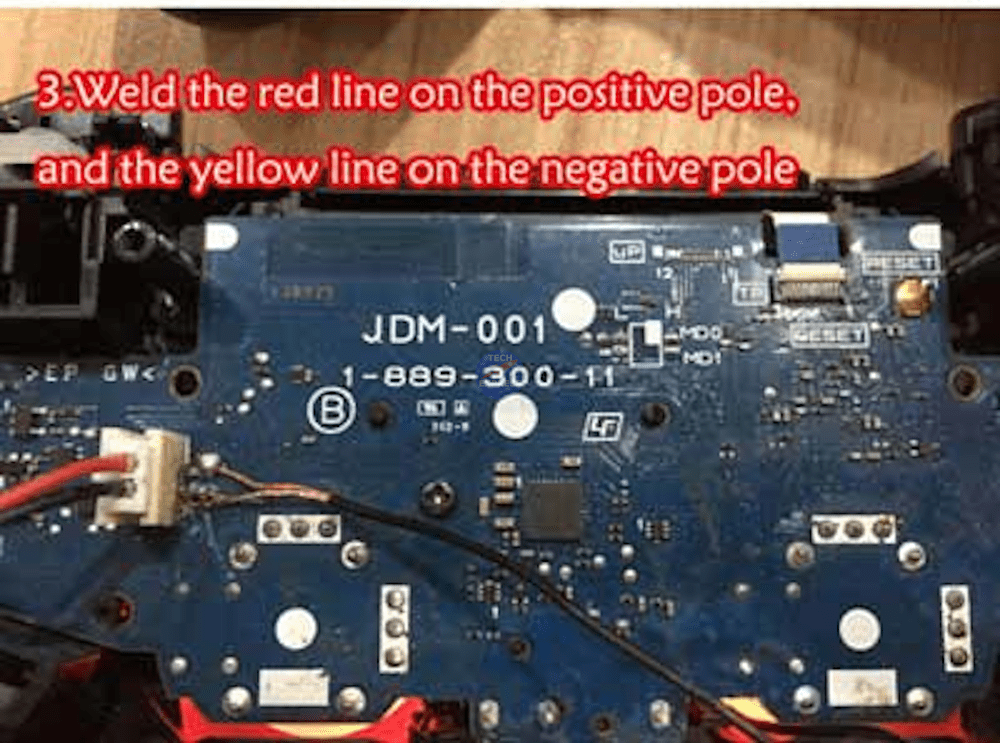
1. Open the PS4 or XBOX ONE game controller. 2. Solder the two power wires to the battery socket pins (See product images). The Red wire goes to the Positive (+). The Brown wire goes to Negative (-). 4. Stick the square LED light circuit board to the rear shell under the analogue stick position.
To switch between the three LED colours, shake the controller up and down.
Save power mode: Waiting 2~3 minutes will turn the LEDs off. When you shake the controller, it will wake up and the LEDs will turn on.