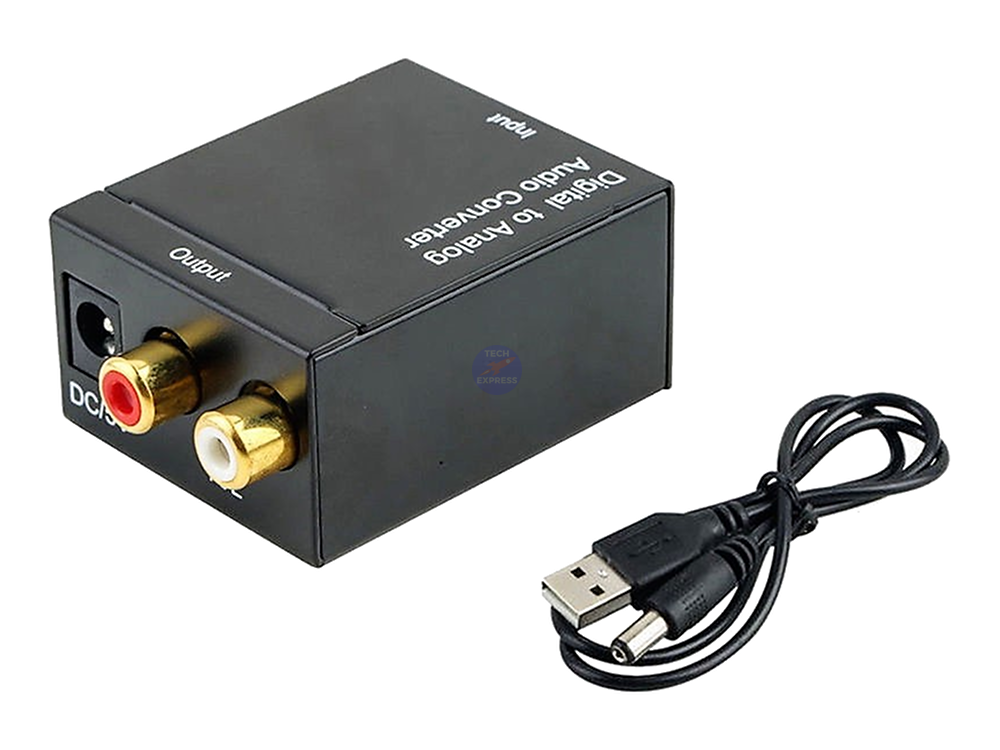
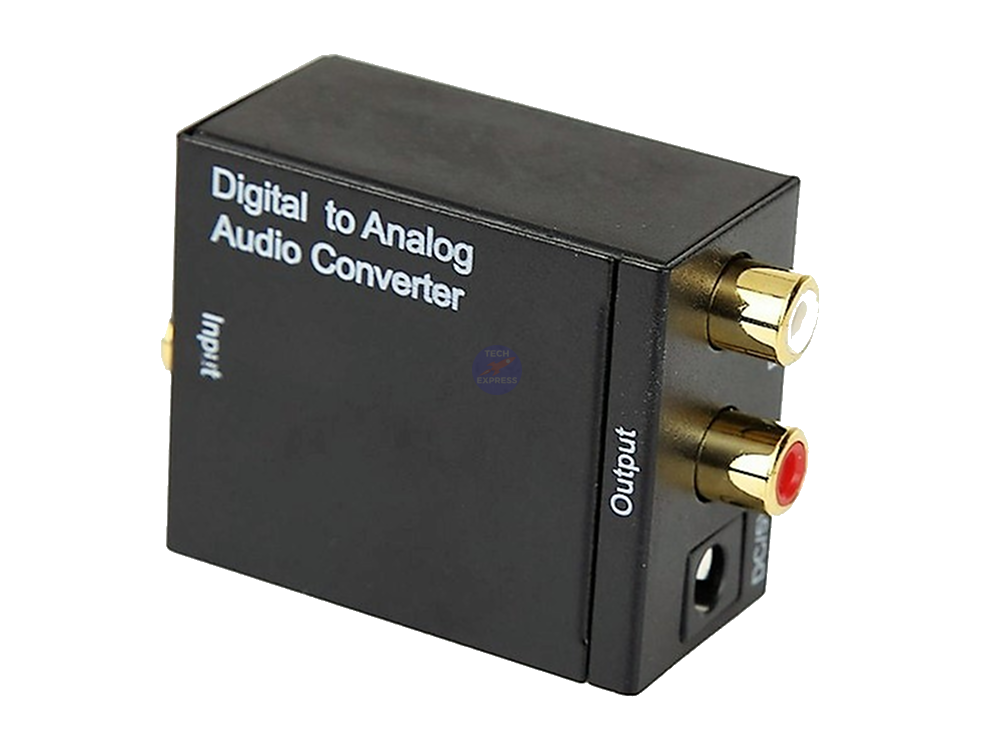
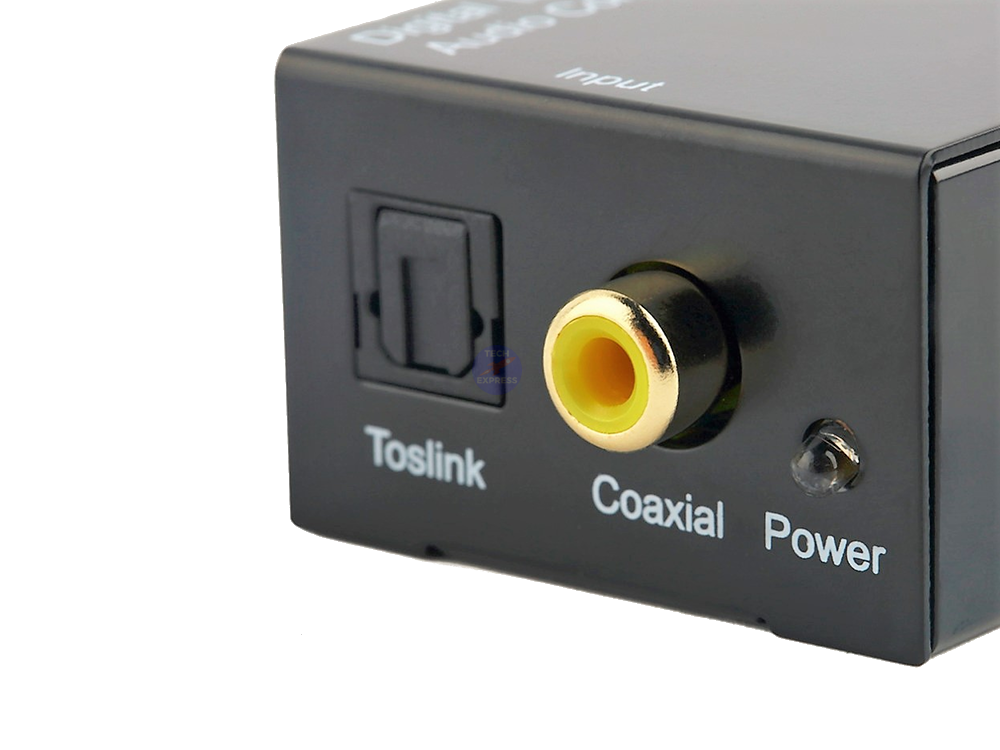
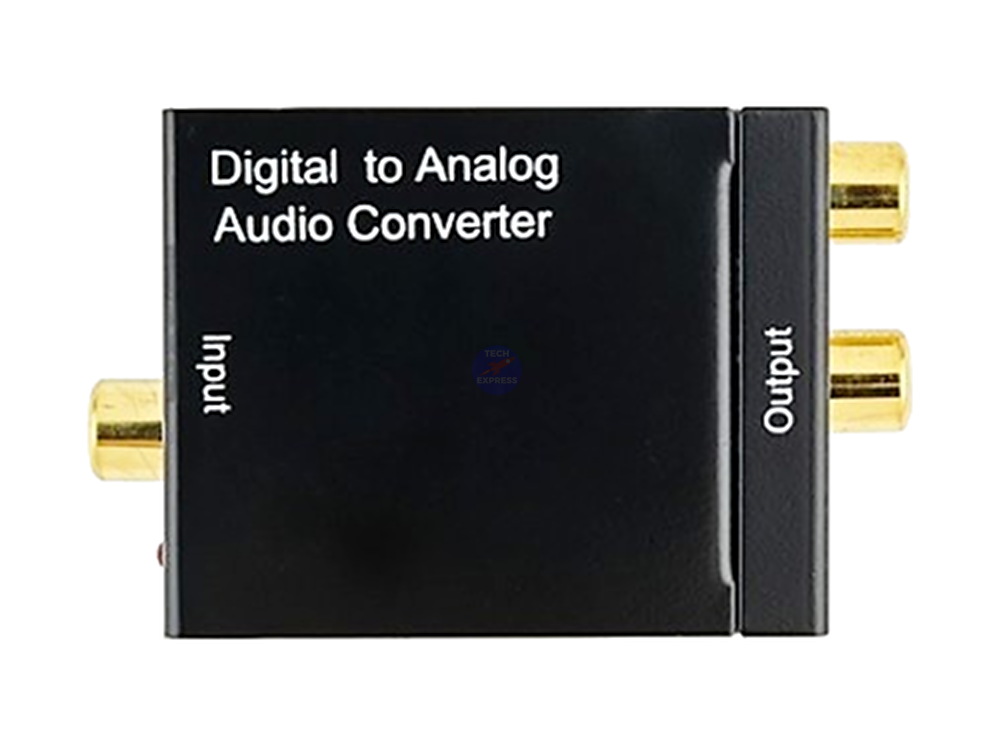
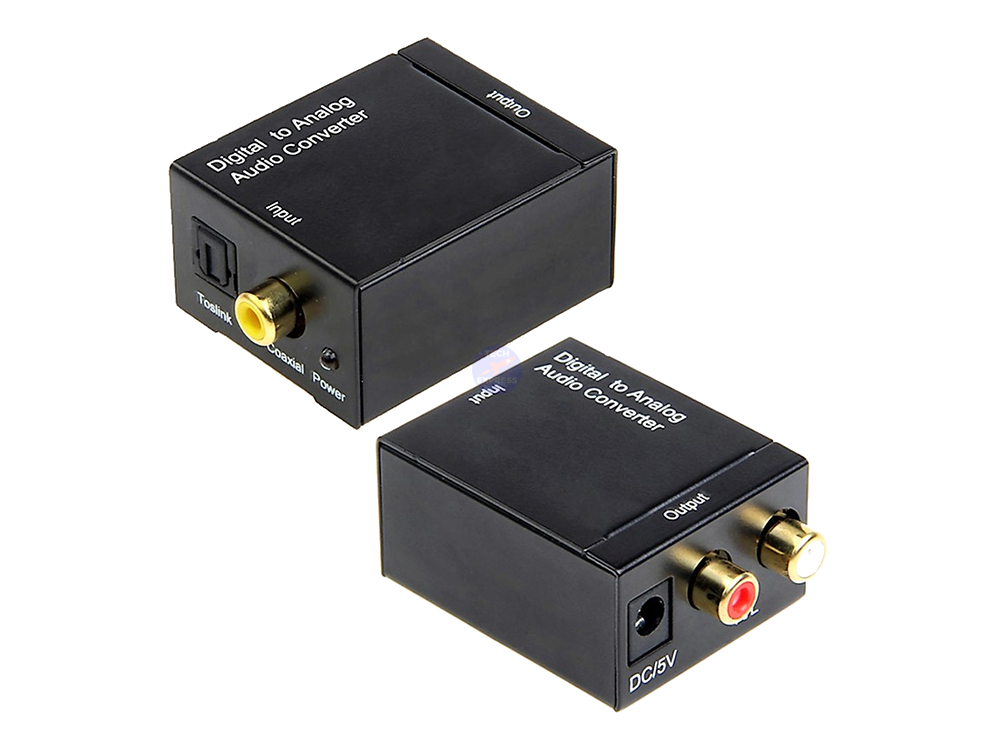
This handy adapter converts S/PDIF Toslink fibre optic cable and Coaxial digital audio inputs into a Dual Channel Stereo Analogue Output via two RCA Socket connectors.
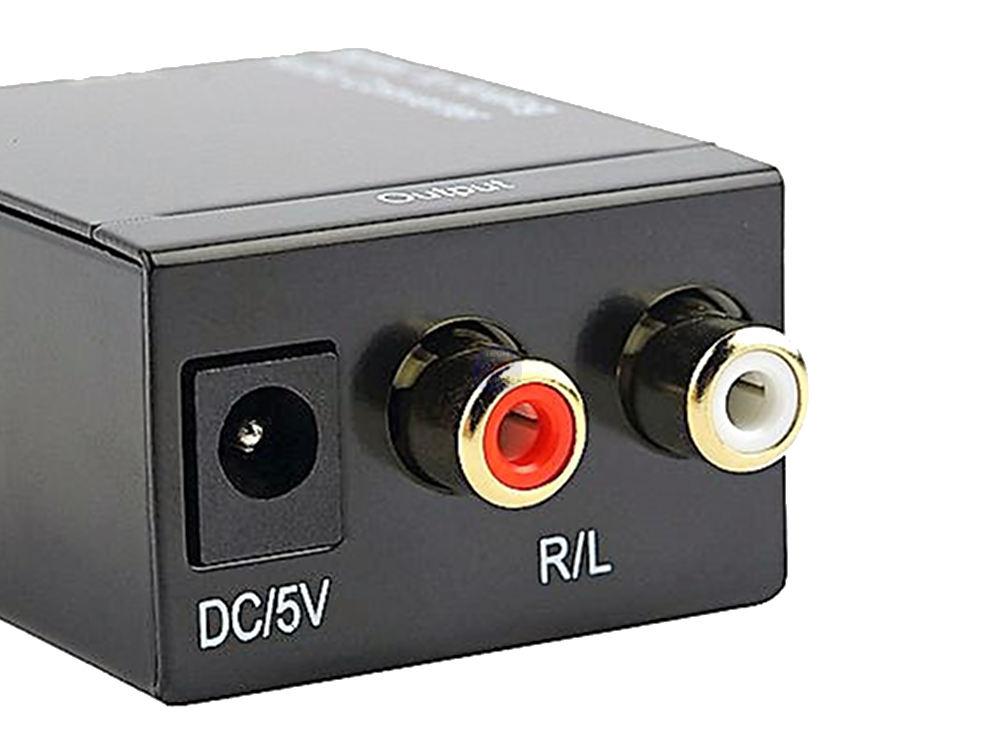
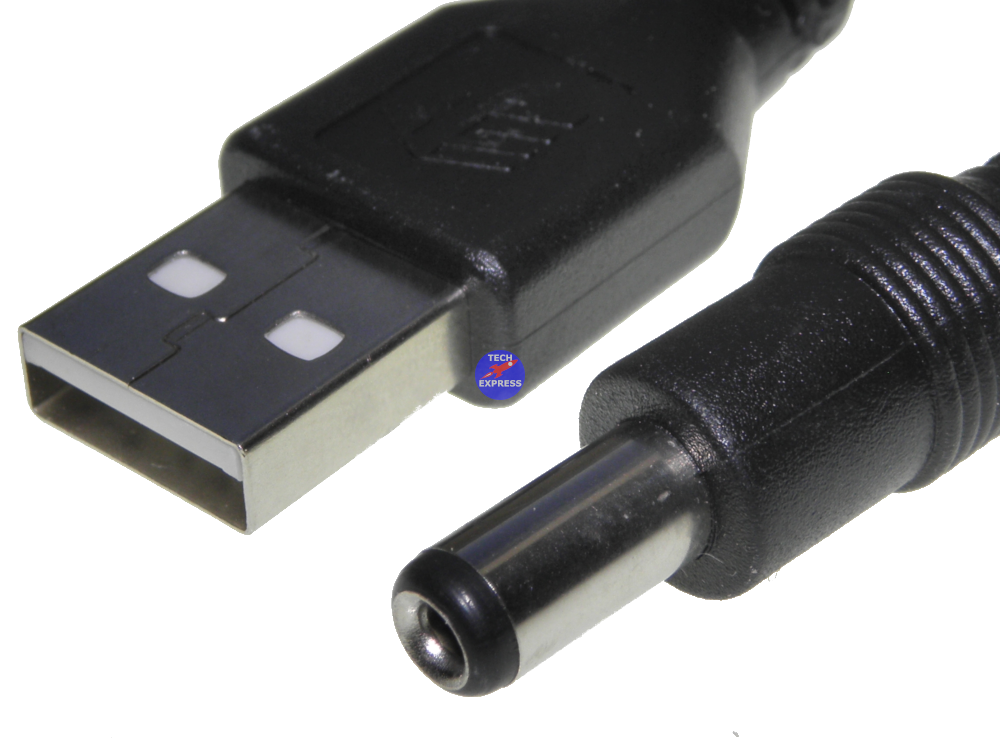
Powered by 5 Volts DC this small DAC (Digital to Analog audio converter) includes a USB power supply cable meaning that the converter can be powered by most standard USB power supplies or wall chargers. See our listings for these.
Includes a Power Status indicator light.
24bit S/PDIF input stream on R/L channels. Supports 32, 44.1, 48 and 96 kHz sample rates. Provides electromagnetic noise free transmission. Easy plug and play installation. Simple to operate. Supports uncompressed 2 Channel LPCM digital audio signal output.
Inputs: 1x DC Power supply socket. 1x S/PDIF fiber optic socket. 1x Coaxial digital Female RCA socket.
Outputs: 1x Left Analogue audio Female RCA socket. 1x Right Analogue audio Female RCA socket.
Package includes:
1x Optical and coaxial digital audio to analogue stereo converter. 1x USB Power supply cable.
Power supply & Optical cable not included. See our listings for USB wall chargers & Toslink cables.
Packaging: Bulk.
Warranty & Returns:
14 Day 'change of mind' return in unused condition for a refund less shipping fees. 1 Year return to base refund or replace guarantee.
Understand how this product works and whether it suits your setup. Have a question? Our team reviews and emails answers 24/7—typically within 1–2 hours.
Ask a question
Choosing a selection results in a full page refresh.