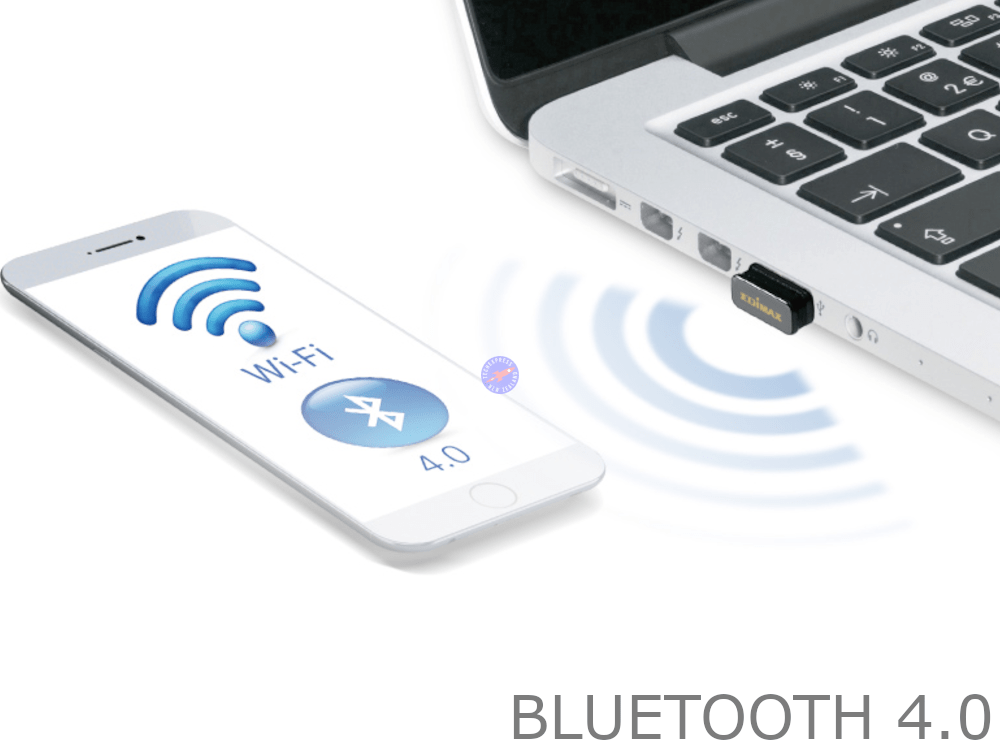
Mini Bluetooth 4.0 USB Adaptor Dongle and Driver Latest Version
Mini Bluetooth 4.0 USB Adaptor Dongle and Driver Latest Version
Couldn't load pickup availability
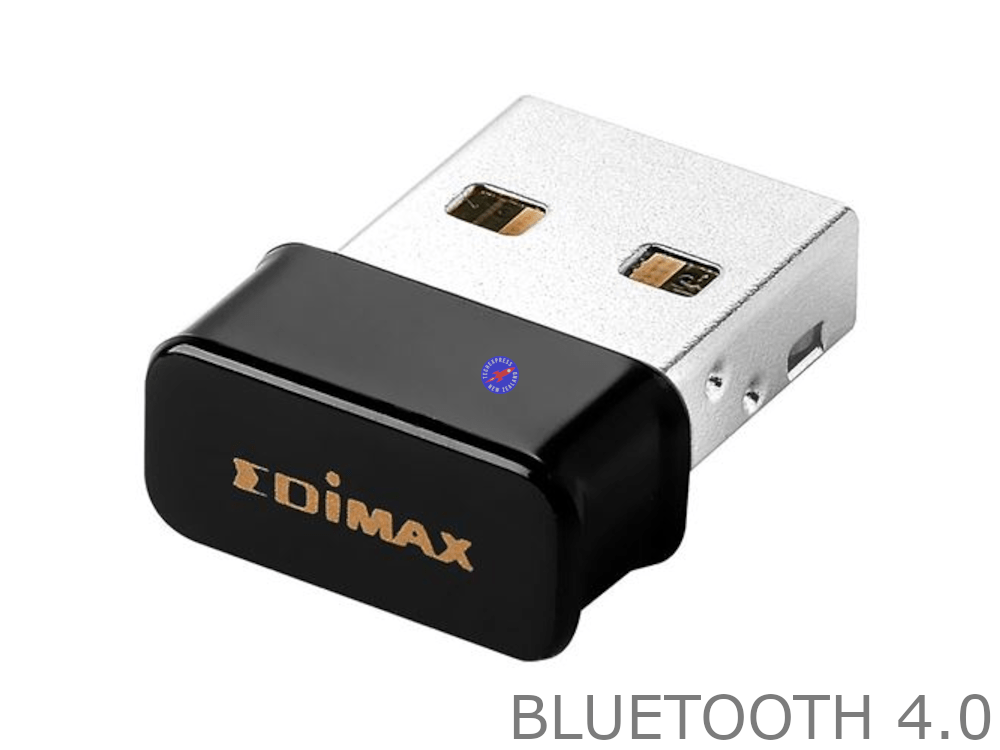
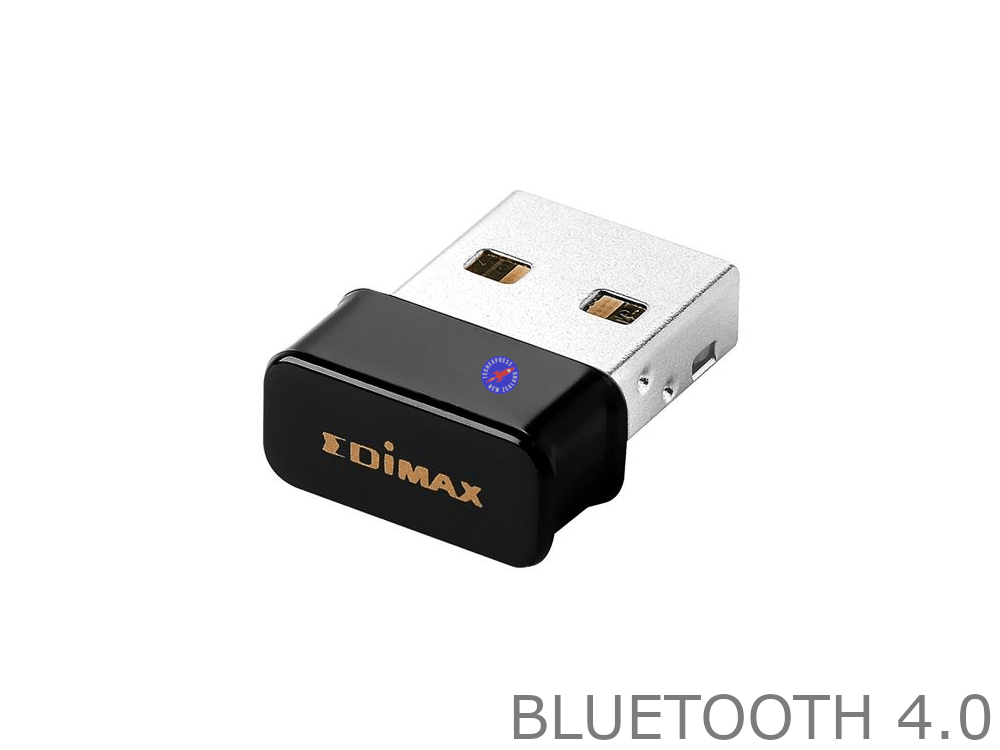
Bluetooth V4.0 20m 3Mbps USB 2.0 Dongle Dual Mode Wireless Adapter and Driver CD.
2-in-1 Combo Wi-Fi Bluetooth 4.0 USB Adapter.
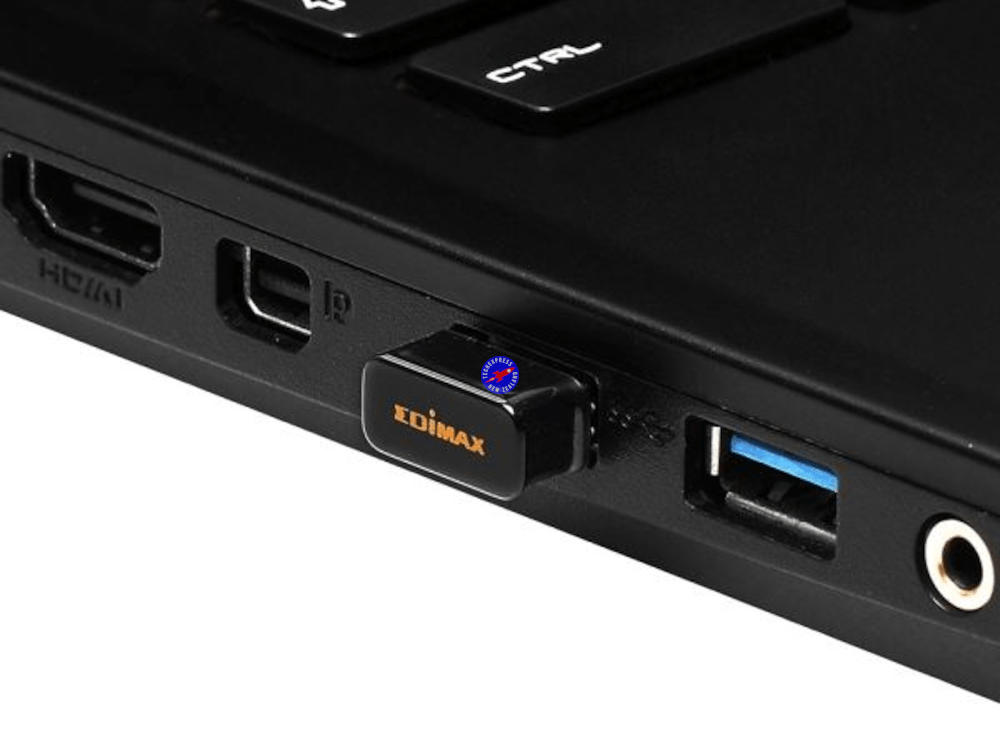
If you have a computer without integrated Bluetooth hardware, you can add Bluetooth support to it. Most newer laptops come with Bluetooth radios, but desktops often don’t. Plug the dongle into your computer’s USB port and it will give your computer a Bluetooth radio, allowing it to communicate with Bluetooth devices.
This USB Bluetooth 4.0 adapter with high speed, simple pairing, good anti-jamming features, enable your computer to connect with smartphone, tablet or other Bluetooth devices.
• Interface USB.
• Simple pairing.
• Version: CSR 4.0.
• Good anti-jamming.
• Certifications: FCC, CE.
• Supports multi-languages.
• WLAN coexistence interface.
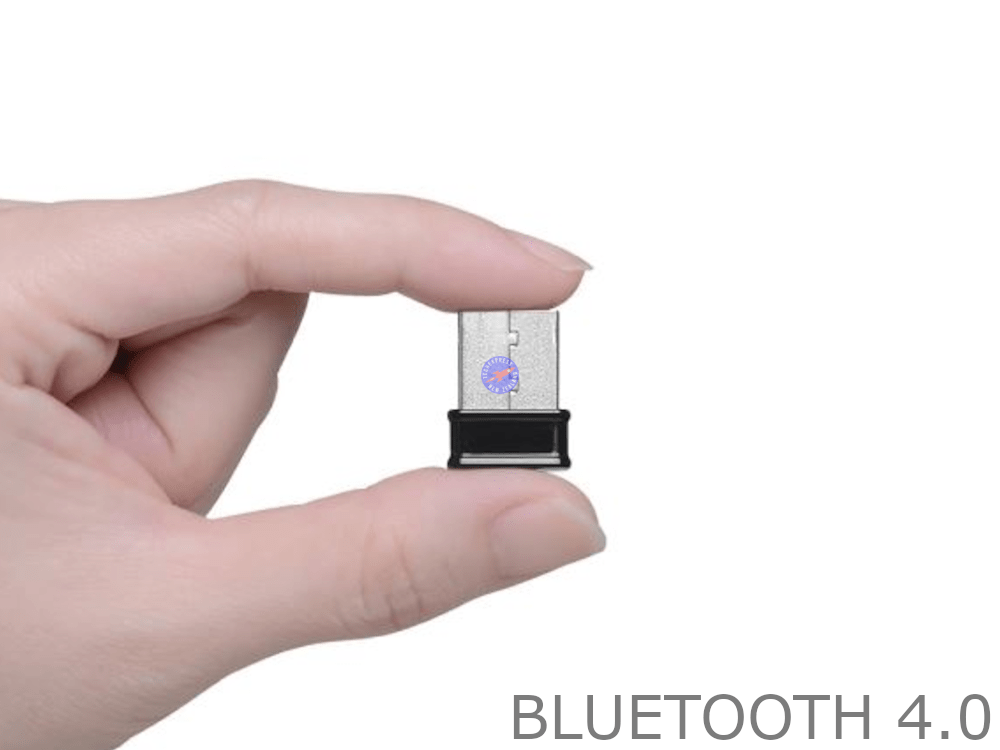
• Size 2.3cm x 1.2cm x 0.4cm.
• Dual-mode Bluetooth transfer.
• Supports Bluetooth voice data.
• Receiving/Sending range: 10 Meters.
• Low-power selectable 1.2 to 3.6 VI/O.
• Bluetooth low energy Radio USB Dongle.
• Backwards compatible with Bluetooth v1.2/2.0/2.1/3.0.
• Operating system: Windows 98, Windows 98se, Windows ME, Windows 2000, Windows XP, Windows Vista, Windows 7, Windows 8 - 8.1, Windows 10.
Packaging: Bulk.
14 Day 'change of mind' return in unused condition for a refund less shipping fees.
1 Year return to base refund or replace guarantee.
Installation Hints, Tips and Troubleshooting:
- Install the correct drivers before installing the Bluetooth Adapter.
- Ensure that the Bluetooth Adapter is not connected and perform a full restart of the computer before installing the drivers.
- Install the correct 32-bit or 64-bit for your computer. To check your version of Windows 10, open the Settings app by pressing Windows+I, and then head to System > About. On the right side, look for the “System type” entry. It will show you if you’re using a 32-bit or 64-bit operating system.
- Try temporarily pausing or disabling any anti-virus software while installing the Bluetooth adapter.
- Ensure that the Bluetooth adapter is connected directly to the computer. Avoid using USB hubs or extension cables while installing.
- Only connect the Bluetooth adapter once the drivers have been installed.
- Any pre-existing Bluetooth adapter drivers or application software may cause issues. Ensure that any pre-existing Bluetooth drivers or applications are removed before installing new drivers.
We welcome & answer all questions.
Product questions & answers
Understand how this product works and whether it suits your setup. Have a question? Our team reviews and emails answers 24/7—typically within 1–2 hours.
Ask a question
- 5 stars: 1 (100%)
- 4 stars: 0 (0%)
- 3 stars: 0 (0%)
- 2 stars: 0 (0%)
- 1 star: 0 (0%)
Just what I needed thanks