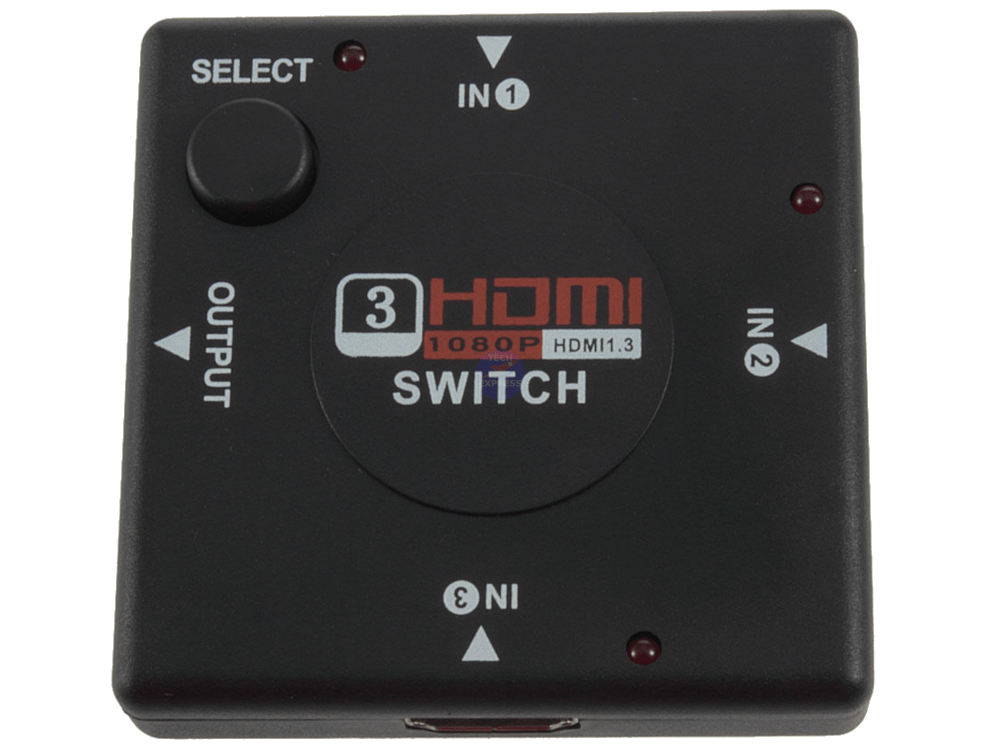
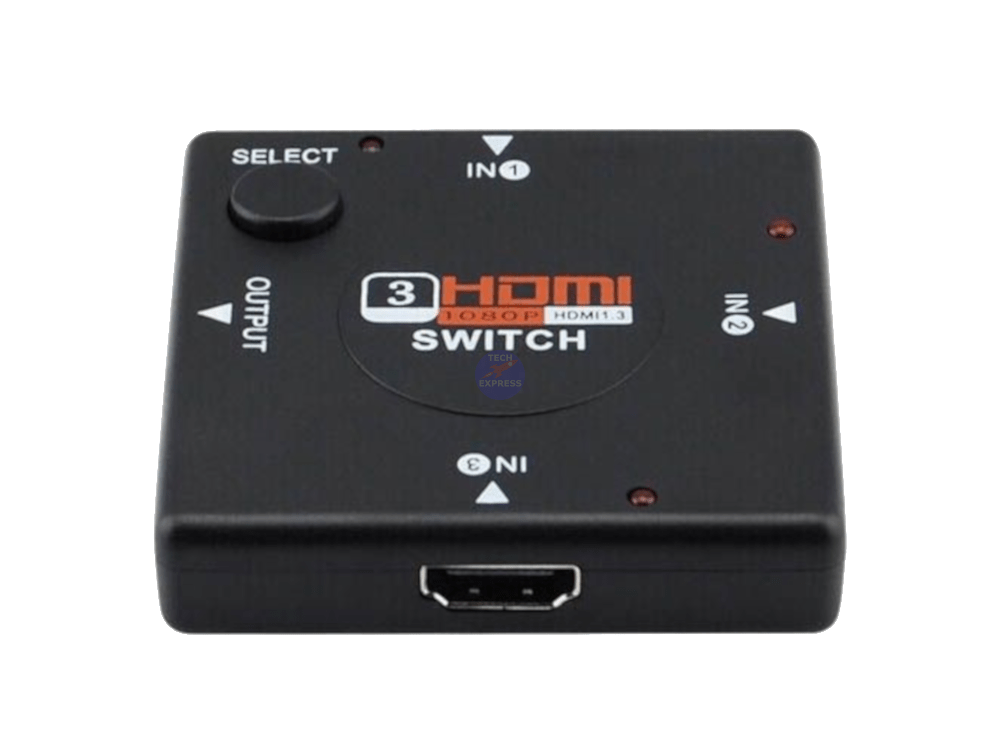
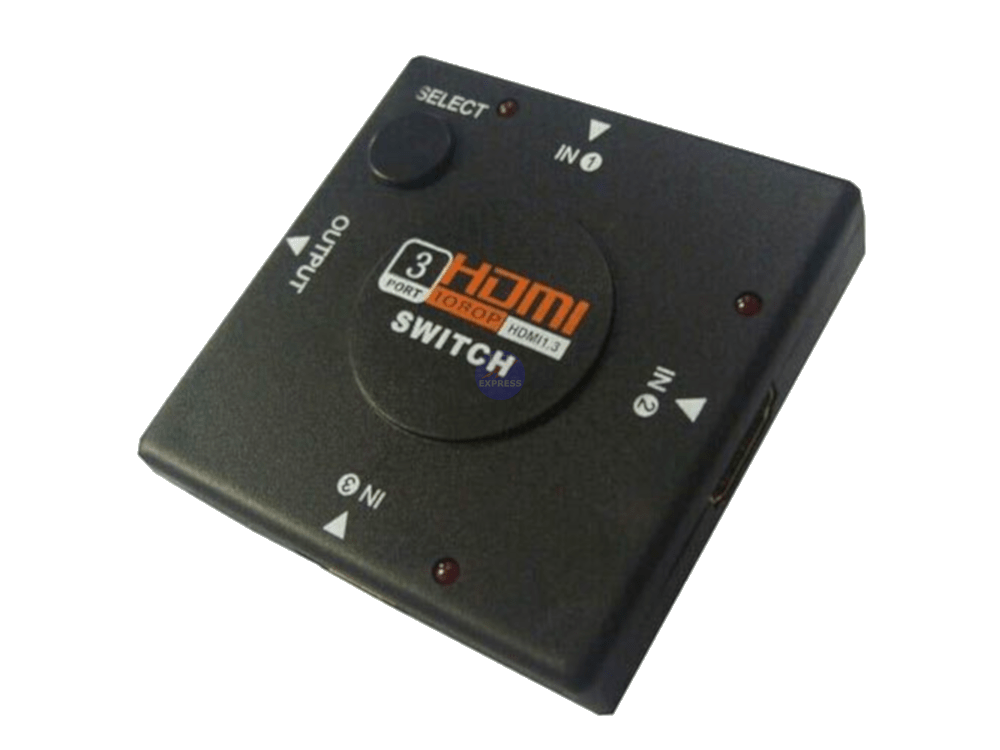
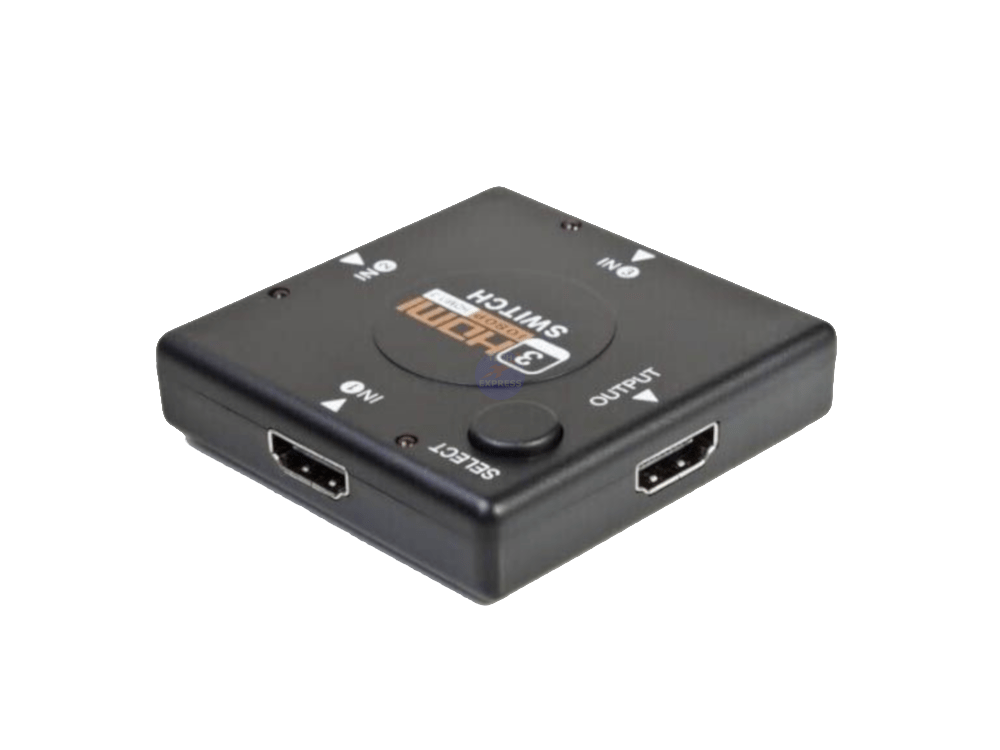
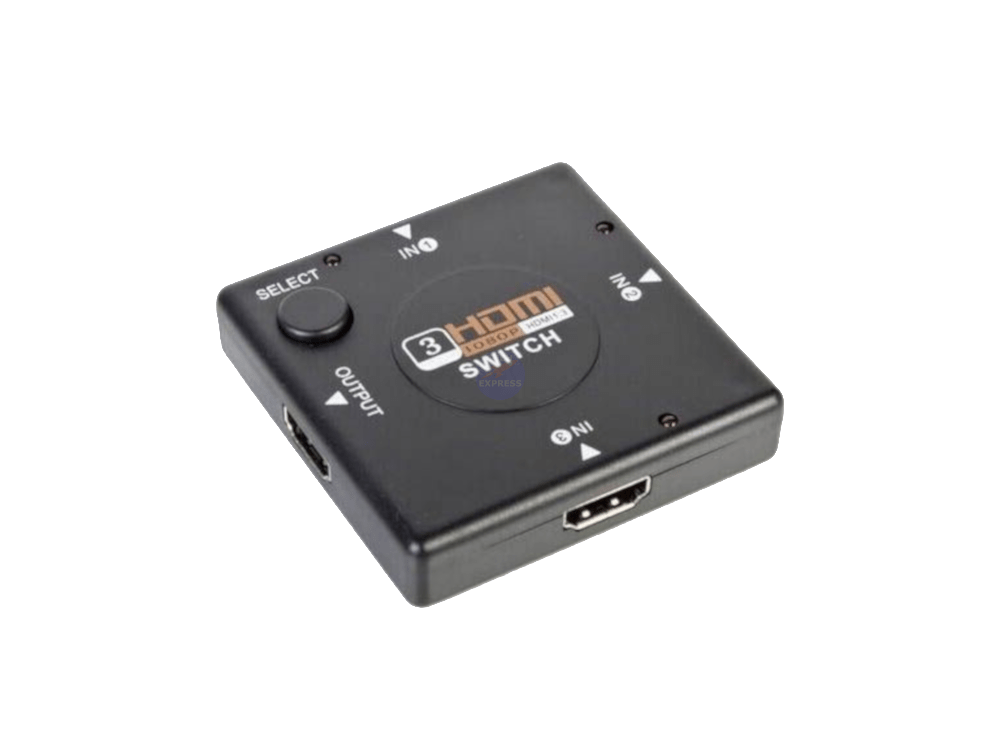
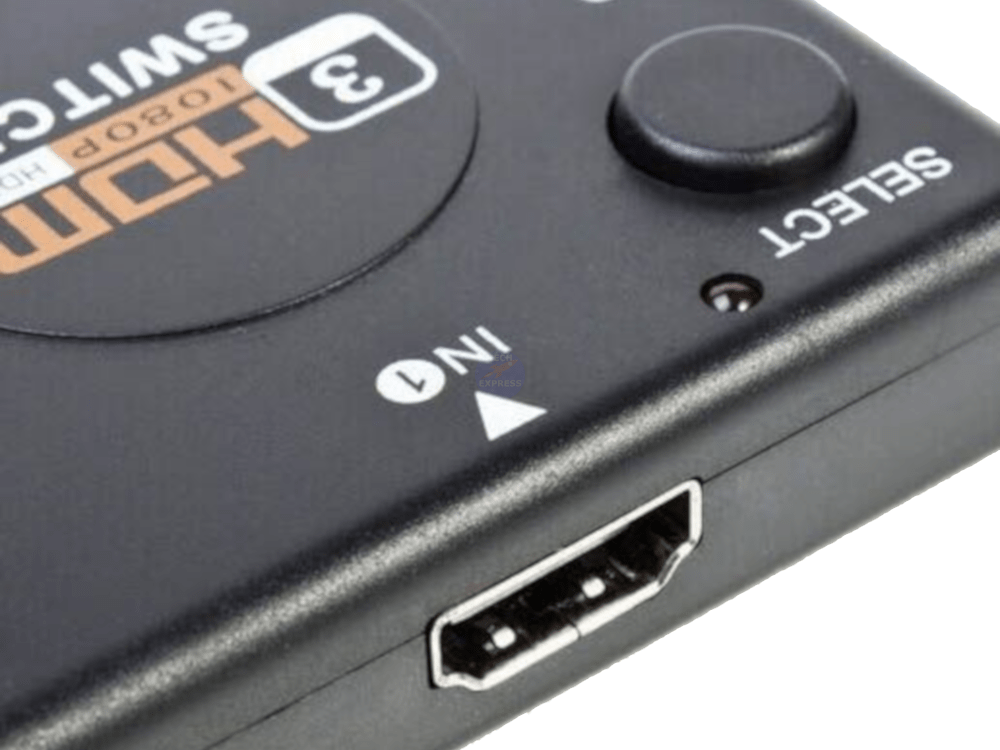
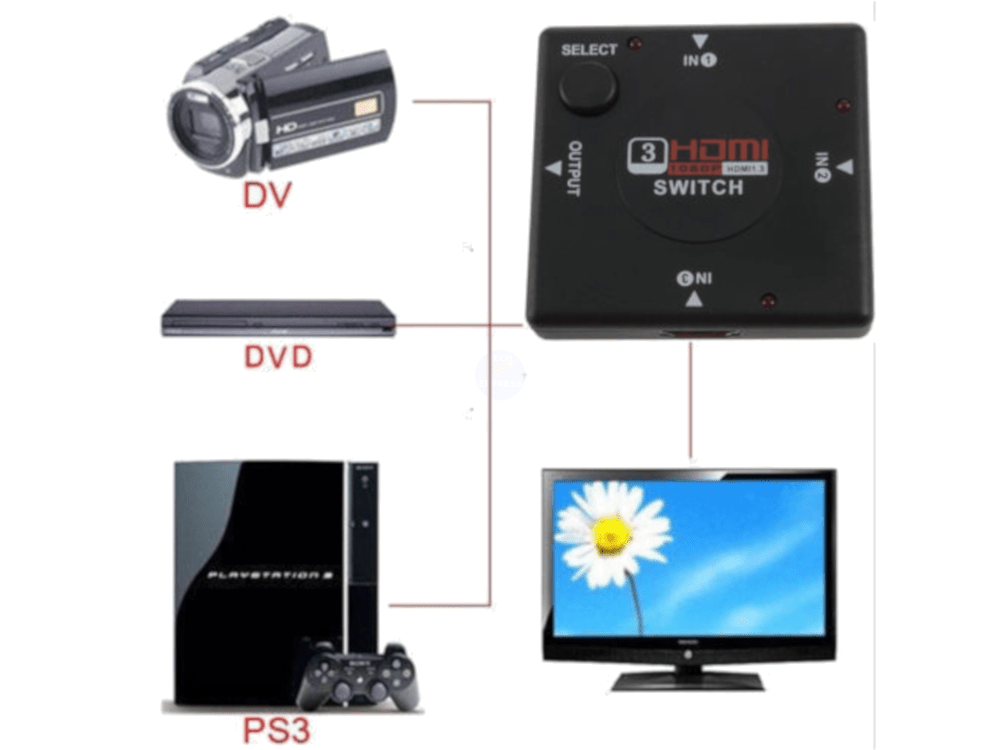
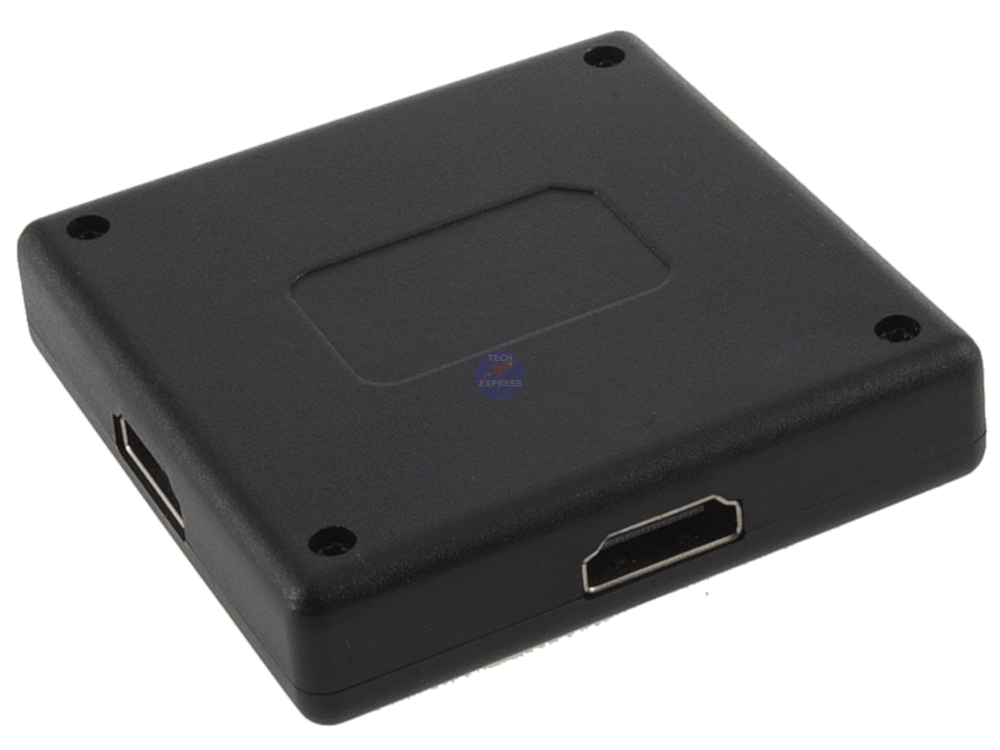
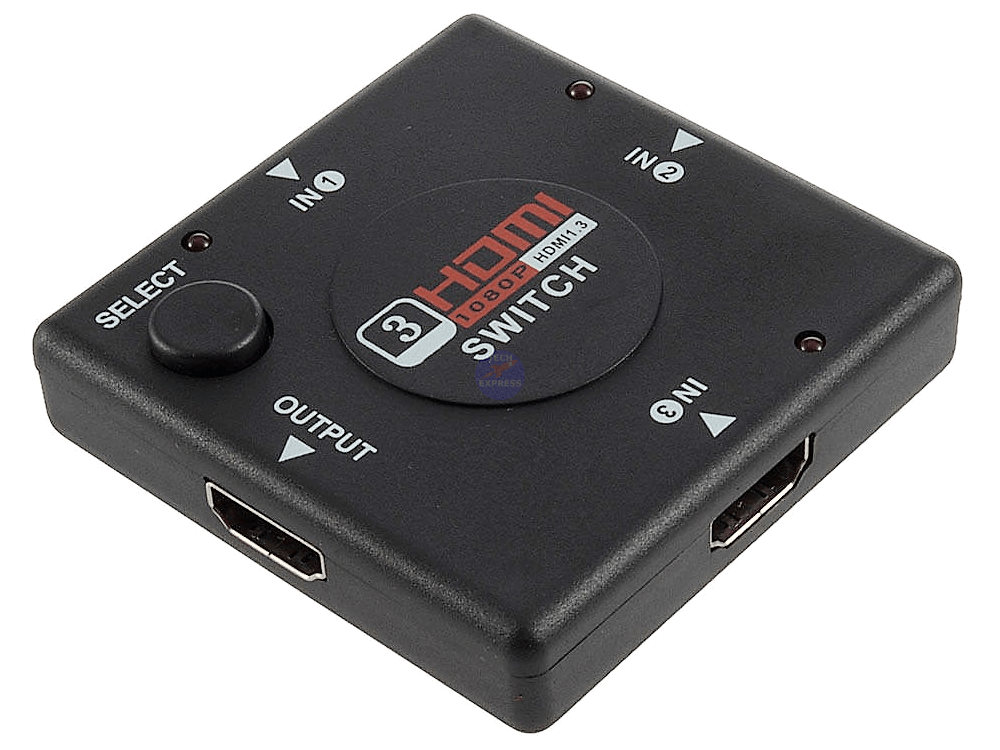
3 in, 1 out HDMI switching hub adapter converter. Connect up to three HDMI devices to your HDMI tv, television or display,
3 HDMI Female Inputs & 1 HDMI Female Output.
A great device for multiple HDMI devices with only one or two HDMI input on your LCD or Plasma TV.
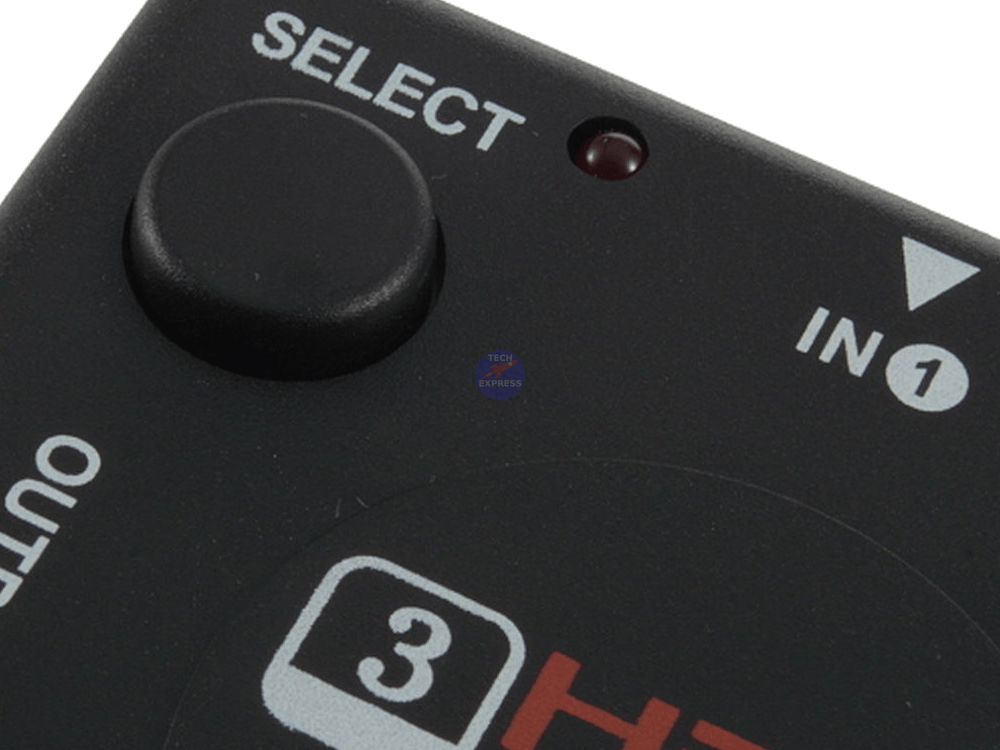
Select between three HDMI devices with a simple press of a button. A small LED light indicates when port 1, 2 or 3 is selected making use simple & easy.
Works with HD-DVDs, SKYHD, V+HD, HD-DVD, Freeview decoder, PlayStation 3 PS3, PlayStation 4 PS4, Xbox 360, Xbox ONE, DVD recorder, mySky PVR, DVD, Blu-ray Players & any display with an HDMI input.
Full HD 1080P.
Supports HDMI 1.4.
No power cable required.
Supports 12-bit deep colour.
High performance up to 2.5Gbps.
Supports computer graphics resolutions up to 1920 x 1200.
Maintain high resolution video & sharp HDTV up to 1080p, 2k, 1440p.
Sold as: Each.
Condition: New.
Packaging: Bulk.
Model: Mini HDMI-301.
Size: 6.5cm x 6.5cm x 1.4cm.
Input: 1x Female HDMI Socket.
Output: 3x Female HDMI Socket.
Product category(s): HDMI Audio & Video Switches.
Package includes: 1x 3-In, 1-Out HDMI Switcher.
HDMI cables not included.
Warranty & Returns:
14 Day 'change of mind' return in unused condition for a refund less shipping fees.
2 Year return to base refund or replace guarantee.
We welcome & answer all questions.
Troubleshooting, Hints and Tips.
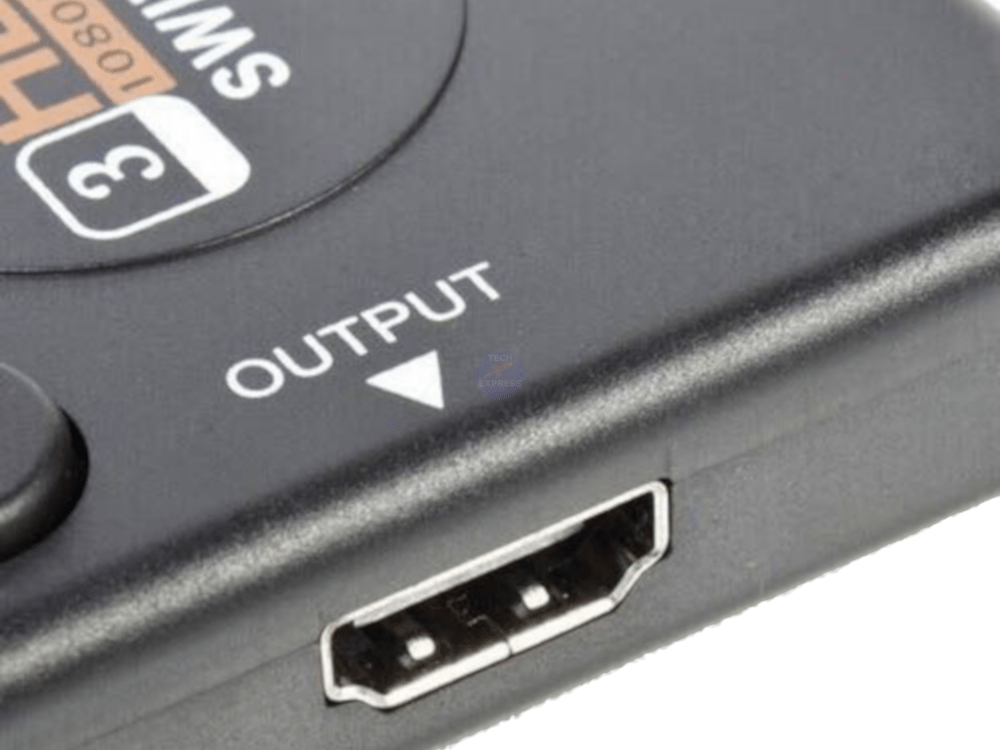
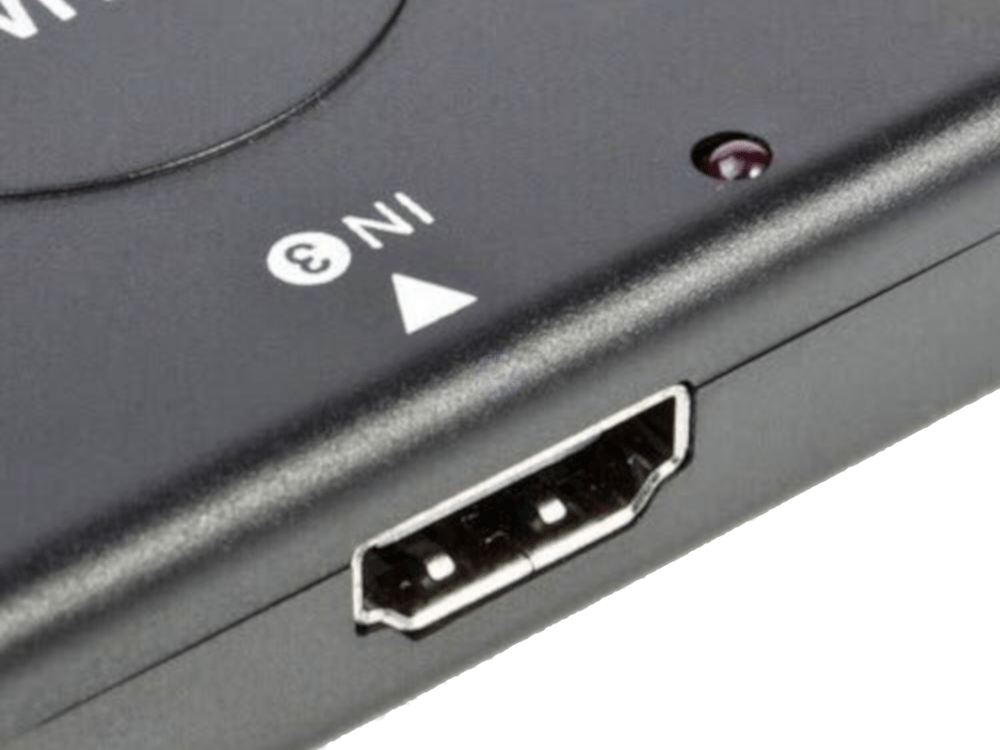
- Ensure that the HDMI cables are correctly installed. Connect the HDMI cable from the port labelled 'OUTPUT', to the Display. Connect the HDMI source devices (DVD, Console, Satelite Box etc) to the ports labelled 'IN1', 'IN2', 'IN3'.
- Ensure that the HDMI Cables are not too long. Suitable lengths can vary based on the source and type of HDMI cable used.
- Ensure that the source HDMI signal and the Display is compatible with the HDMI switch. Try with an alternative HDMI source devices and Display.
- Power for the HDMI switch is supplied by the HDMI Source device. The red LED will illuminate to indicate which of the Source devices is selected. If the Red LED is not illuminated, check the HDMI source device and HDMI cable. The HDMI source device must be powered on for the HDMI Switch to operate.
We welcome & answer all questions.